AI Content Humanizer: How to Humanize AI-Generated Content
Learn how an AI content humanizer refines AI-generated content into natural, readable writing. Explore manual steps, online tools, and editorial workflows.
Want to humanize your AI drafts automatically?
Transform robotic writing into fluent human copy in seconds.
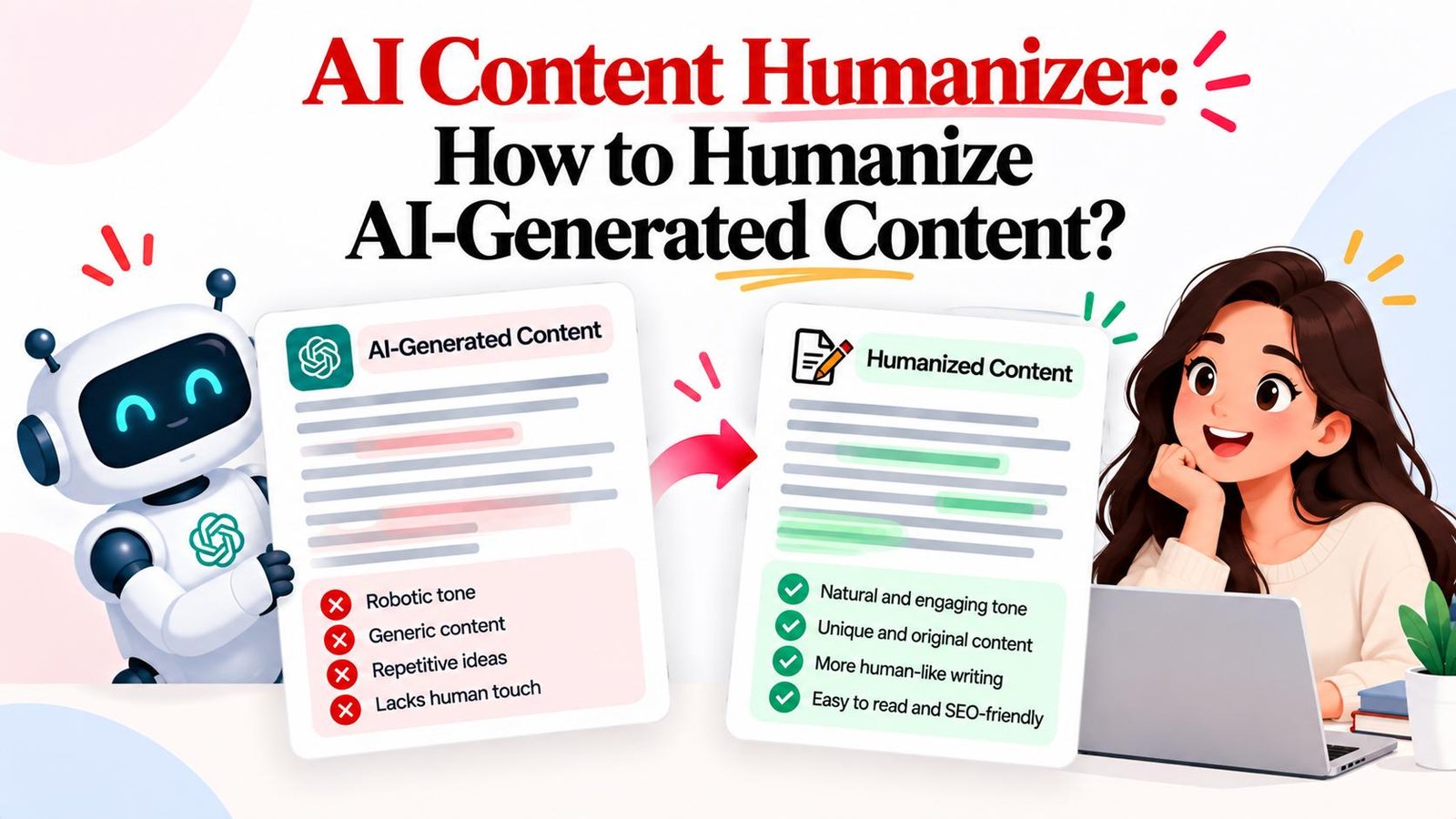
Artificial intelligence lets creators draft complete articles in seconds using tools like ChatGPT, Claude, and Gemini. However, unedited machine text often displays recognizable stylistic flaws: repetitive phrasing, monotonous rhythms, stiff vocabulary, and generic conclusions.
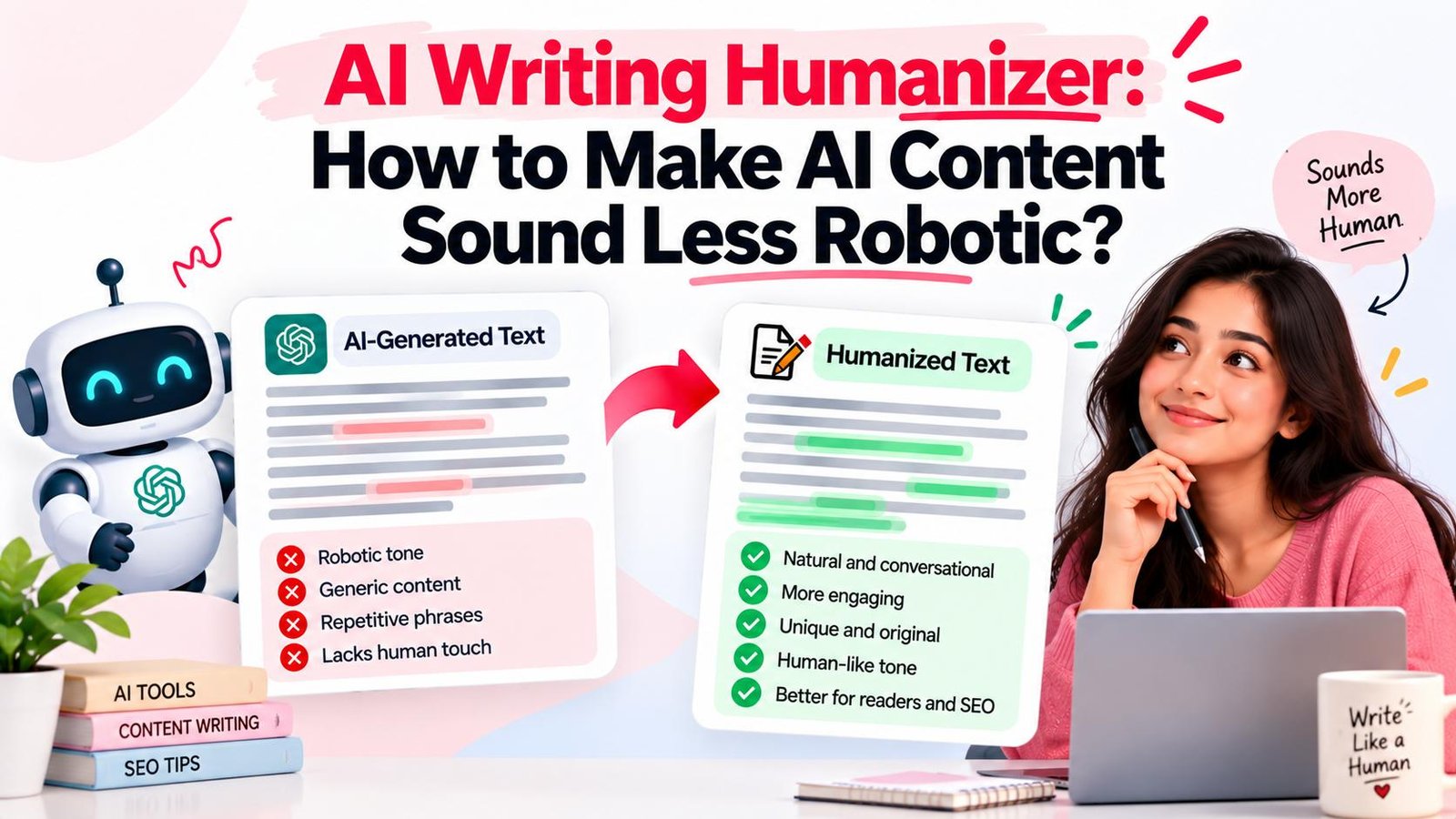
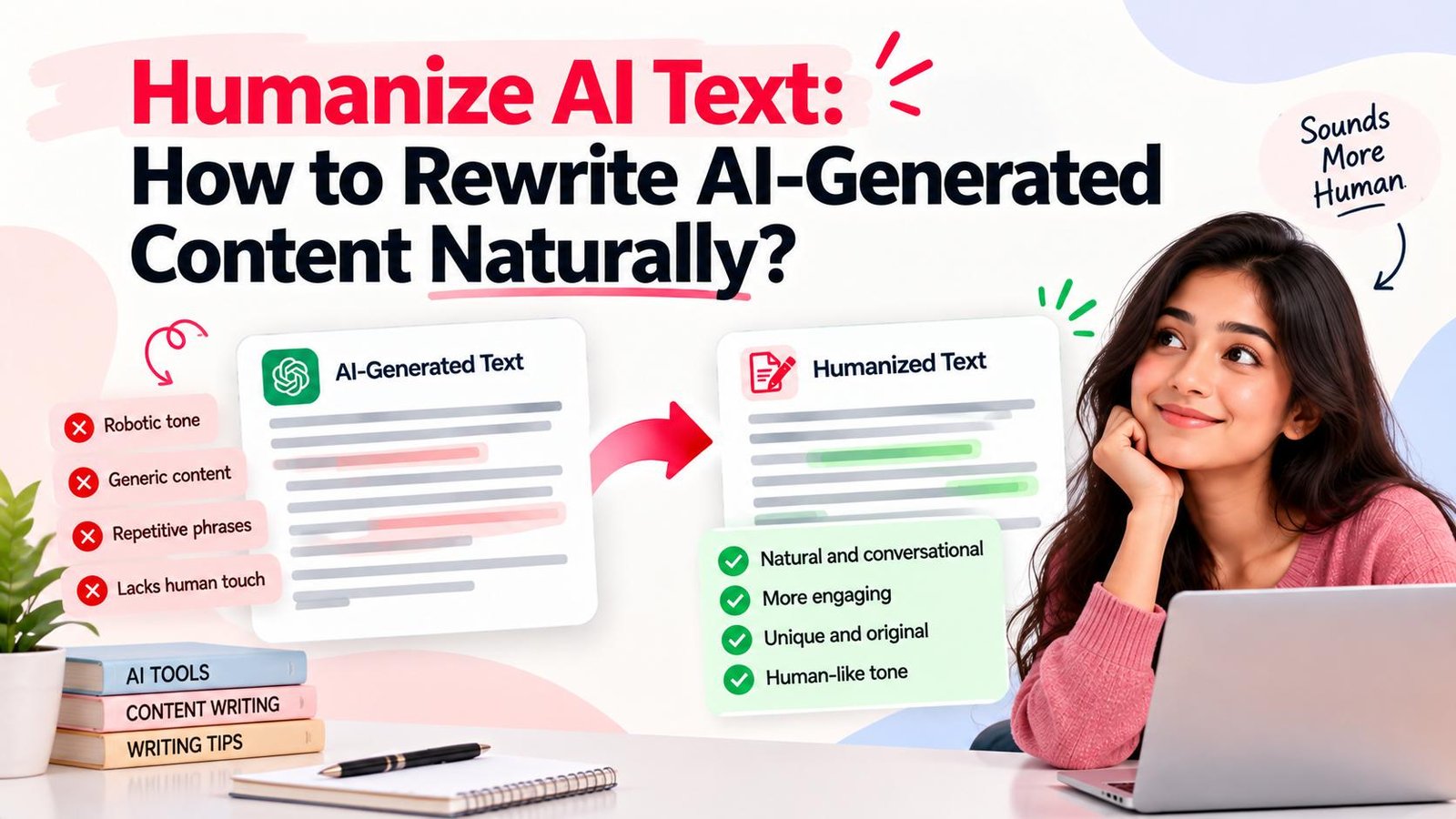
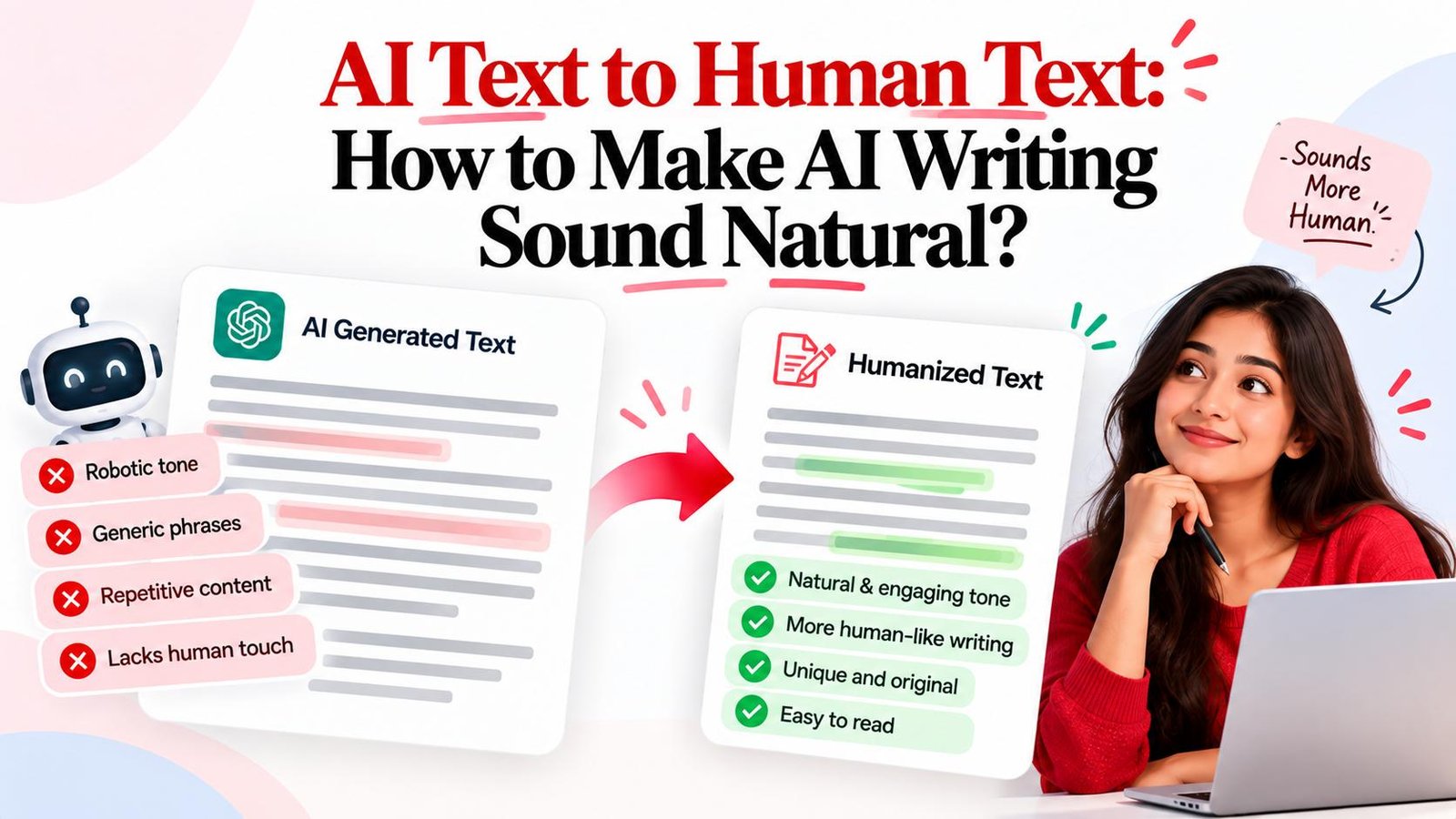
An AI content humanizer solves this challenge. Along with an AI writing humanizer, it rewrites AI-generated content so that its cadence, phrasing, and tone feel natural while preserving core factual details. Whether editing drafts manually or using an online tool like Magic Humanizer, humanizing AI content elevates writing quality.
Quick Answer: What Is an AI Content Humanizer?
An AI content humanizer is a writing tool that rewrites AI-generated content to improve sentence variety, vocabulary, tone, and flow. It transforms rigid drafts into natural prose while keeping core facts intact.
TL;DR
- Core Function: Restructures synthetic drafts into natural writing.
- Why AI Drafts Need Editing: Models produce buzzwords and stiff syntax.
- Manual Workflow: Use an 11-step editorial process to vary rhythm and cut fluff.
- Online Speed: Use Magic Humanizer for rapid rewriting across Standard, Casual, and Academic modes.
- Human Oversight: Always pair automated restructuring with fact-checking.
What Is an AI Content Humanizer?
An AI content humanizer is software that analyzes machine text and rewrites it into natural prose, acting as an editorial post-processor for rhythm, tone, and readability.
Here is how an AI content humanizer compares with other writing utilities:
- Versus AI Writers: AI writers draft from prompts; humanizers refine drafts to remove robotic stiffness.
- Versus Paraphrasers: Paraphrasers swap synonyms; humanizers reorganize clauses and balance cadence.
- Versus Grammar Checkers: Grammar checkers fix punctuation; humanizers address narrative flow and tone.
The primary purpose of an AI content humanizer is to make AI-assisted drafts clear, compelling, and readable.
Ready to refine your content? Try the free Magic Humanizer tool to transform stiff AI drafts into natural writing in seconds.
Why Does AI-Generated Content Sometimes Sound Less Natural?
Generative models predict statistically probable word sequences. While grammatically sound, unedited drafts often display common stylistic traits:
- Repetitive Phrasing: Re-stating identical concepts across sections with slight rewording.
- Generic Claims: Making broad assertions without specific data or practical examples.
- Predictable Rhythms: Outputting uniform sentence lengths with repetitive syntax.
- Overly Formal Vocabulary: Overusing clichés like "delve," "tapestry," and "paramount."
- Formulaic Transitions: Relying on rigid connectors like "Furthermore" and "Moreover."
- Throat-Clearing Openers: Starting with empty phrases like "In today's digital era..."
- Unnecessary Filler: Using wordy phrases like "due to the fact that" instead of "because."
- Detached Perspective: Adopting an overly neutral tone lacking real-world insight.
- Over-Explaining: Defining common concepts at length rather than providing actionable advice.
- Generic Conclusions: Summarizing preceding points mechanistically without takeaways.
How to Humanize AI-Generated Content Manually
Writers and editors can use this 11-step manual workflow to transform robotic drafts into publication-grade prose:
Step 1: Understand Original Content
Read the draft to grasp its core thesis before editing lines.
Step 2: Identify Intended Audience
Match tone to your readers—direct for professionals, conversational for general readers.
Step 3: Remove Redundant Repetition
Cut circular phrasing and merge overlapping sentences into distinct takeaways.
Step 4: Simplify Overly Formal Language
Replace stiff jargon with conversational words (e.g., swap "utilize" for "use").
Step 5: Vary Sentence Structure and Length
Mix short, punchy statements with longer explanations to improve rhythm.
Step 6: Improve Transitions
Replace mechanical transition markers with natural, verb-driven connectors.
Step 7: Replace Generic Statements with Concrete Detail
Include concrete examples, figures, and industry scenarios to ground abstract claims.
Step 8: Adjust Tone
Keep your chosen voice—professional, friendly, or conversational—steady throughout.
Step 9: Remove Unnecessary Filler
Cut empty filler phrases like "It is important to remember that".
Step 10: Read Content Naturally Aloud
Read key sections aloud to catch awkward cadence and unnatural pauses.
Step 11: Fact-Check All Data and Claims
Verify all data, statistics, and citations against trusted sources before publishing.
AI Content Humanizer Example: Before and After
The following illustrative examples demonstrate how humanization reshapes robotic text into clear, engaging writing:
Example 1: B2B Marketing Article Excerpt
"In today's dynamic business environment, implementing comprehensive content strategies serves as a crucial beacon for maximizing digital engagement. Furthermore, utilizing automated omnichannel distribution facilitates holistic collaboration and fosters enhanced brand resonance across diverse demographic segments."
"Reaching modern buyers takes more than publishing generic blog posts. When marketing teams coordinate their messaging across email, social, and search, prospects notice. Clear messaging builds trust faster than complicated buzzwords ever will."
Breakdown of Editorial Changes:
- Eliminated Clichés: Cut empty openings and buzzwords like "crucial beacon."
- Simplified Phrasing: Replaced distribution jargon with concrete channels (email, social, search).
- Balanced Cadence: Converted an unwieldy 38-word run-on into three punchy sentences.
- Sharpened Tone: Shifted from detachment to an authoritative, practical voice.
Example 2: Educational Guide on Remote Work
"Remote professionals must proactively cultivate structured daily routines to circumvent cognitive fatigue. Delving deeper into this paradigm, establishing designated work zones serves as a testament to personal discipline. Moreover, regular intermissions are imperative to optimize mental acuity."
"Working from home makes it easy for work and personal life to blur together. Setting up a dedicated workspace and taking short 5-minute walks during the day keeps your energy steady and prevents afternoon burnout."
Breakdown of Editorial Changes:
- Removed Jargon: Cut artificial terms like "delving deeper" and "paradigm."
- Added Specifics: Replaced vague phrasing with actionable advice ("taking short 5-minute walks").
- Conversational Flow: Shifted tone from a sterile lecture to empathetic advice.
How Does an AI Content Humanizer Work?
An AI content humanizer processes text through a structured multi-stage linguistic pipeline:
- Syntactic Analysis: Evaluates sentence lengths, clause structures, and grammatical repetition.
- Pattern Recognition: Detects repetitive machine tropes, overused transitions, and sterile phrasing.
- Clause Restructuring: Reorganizes sentence structures to introduce natural rhythm and flow.
- Tone Balancing: Adapts language to match selected styles (Standard, Casual, or Academic).
- Meaning Preservation: Retains core facts, names, statistics, and arguments throughout rewriting.
- Human Editorial Review: Provides clean output for the author's final polish and validation.
An AI humanizer acts as an editorial accelerator, automating syntax variation so writers can focus on strategy.
AI Content Humanizer vs Manual Editing
Choosing between manual editing and an automated AI humanizer depends on your project requirements:
| Factor | Manual Editing | AI Content Humanizer |
|---|---|---|
| Speed | Slow (20–30 mins per 1,000 words) | Instant (5–10 seconds per scan) |
| Effort | High line-by-line mental effort | Low (one-click conversion + light review) |
| Control | Total word-level control | Preset-driven (Standard, Casual, Academic) |
| Consistency | Varies with editor fatigue | Uniform structural quality |
| Best For | High-stakes legal briefs, memoirs | Publishing workflows, blog posts, marketing copy |
A hybrid approach works best: use an AI to human converter to restructure syntax, then spend two minutes adding personal insights.
AI Content Humanizer vs AI Paraphraser
While often conflated, humanizers and paraphrasers address different writing needs:
- Primary Purpose: Paraphrasers rewrite sentences using different words; humanizers make text sound authentic and conversational.
- Sentence Restructuring: Paraphrasers substitute words; humanizers rebuild sentence rhythm and paragraph flow.
- Tone & Voice: Paraphrasing often leaves synthetic stiffness intact; humanizers eliminate robotic buzzwords across distinct style presets.
- Readability: Humanizers purposefully vary sentence length to prevent robotic monotony.
- Context Awareness: Dedicated AI content humanizers maintain narrative continuity across entire articles.
- Use Case: Paraphrasing handles basic rephrasing; humanizers prepare drafts for publication.
How to Humanize AI Content Online
Follow this practical 9-step workflow to humanize your writing using an online tool:
- Prepare Your Draft: Copy your raw AI draft into a clean document.
- Open an Online Tool: Navigate to Magic Humanizer in your browser.
- Paste Your Content: Enter your text within your plan's word limit.
- Choose Your Mode: Select Standard, Casual, or Academic mode.
- Start Humanization: Click "Humanize" to process your text.
- Review Output: Read the rewritten result alongside the original draft.
- Check Meaning: Ensure core arguments and context remain accurate.
- Fact-Check Details: Confirm dates, numbers, and proper nouns are intact.
- Apply Final Polish: Copy the refined text directly into your CMS.
Magic Humanizer: AI Content Humanizer
Magic Humanizer is a web platform that converts stiff AI drafts into natural, engaging prose directly in your browser.
The platform provides three tailored humanization modes:
- Standard Mode: Ideal for blog posts, business emails, and website copy, balancing clarity and approachable professionalism.
- Casual Mode: Tailored for social media updates, creator newsletters, and conversational storytelling.
- Academic Mode: Designed for technical reports and essays where formal rigor must be maintained without sounding robotic.
Magic Humanizer offers transparent access options:
- Guest Free Access: 3 free scans per day with up to 500 words per scan, no account required.
- Registered Free Account: 5 free scans per day with up to 1,000 words per scan.
- Affordable Subscription Plans: Billed transparently in Indian Rupees (INR ₹):
- Basic Plan: ₹249/month for 15,000 words.
- Pro Plan: ₹499/month for 50,000 words.
- Unlimited Plan: ₹999/month for unlimited words and priority processing.
Ready to polish your text? Try Magic Humanizer to rewrite your content, or view our pricing plans for high-volume publishing.
How to Use Magic Humanizer to Humanize AI Content
Refining articles with Magic Humanizer takes less than a minute:
- Access the Editor: Open the Magic Humanizer editor on the homepage.
- Enter Your Text: Paste your AI draft into the left input window.
- Select Your Mode: Choose Standard, Casual, or Academic mode.
- Click Humanize: Tap "Humanize" to start processing.
- Review the Output: Read the rewritten text in the output panel.
- Compare and Refine: Verify nuance and make light adjustments.
- Copy and Use: Copy the text with one click and paste it into your CMS.
Are There Free AI Content Humanizers?
When evaluating free online AI humanizers, creators should consider several key factors:
- Daily Scan Limits: Check how many free conversions are allowed daily.
- Per-Scan Word Caps: Verify whether the free tier supports full paragraphs (e.g., 500–1,000 words).
- Output Quality: Ensure the tool performs structural rewriting rather than crude word-swapping.
- Data Privacy: Confirm that your content is never stored or publicly indexed.
- Tone Flexibility: Look for multiple tone modes to suit different writing contexts.
- Clear Upgrade Paths: Transparent pricing when your publishing volume grows.
Who Can Use an AI Content Humanizer?
Refining AI-assisted drafts is standard practice across many digital disciplines:
- Bloggers & Content Creators: Turn stiff machine outlines into engaging articles.
- SEO Specialists: Improve reader dwell time with smooth, scannable copy.
- Copywriters & Marketers: Polish landing pages and ad drafts for maximum clarity.
- Website Owners & Businesses: Maintain professional, brand-aligned communication.
- Social Media Managers: Craft snappy posts that avoid automated robotic phrasing.
- Students & Researchers: Polish draft summaries for legitimate academic editing purposes.
What Types of Content Can Be Humanized?
AI humanization techniques can be applied across virtually any written format:
- Blog Posts & Guides: Break up monotonous rhythms in long-form articles.
- Website Copy: Ensure value propositions and hero headlines read naturally.
- Marketing & Sales Copy: Replace clunky sales pitches with persuasive messaging.
- Product Descriptions: Turn generic bullet points into engaging product summaries.
- Emails & Newsletters: Eliminate stiff openings to build authentic subscriber relationships.
- Social Media Drafts: Transform robotic blurbs into conversational updates.
- General Drafts: Refine outlines, memos, and executive summaries.
Can an AI Content Humanizer Change the Meaning?
Whenever text is restructured, subtle shifts in tone or emphasis can occur. Protecting factual integrity is essential:
- Conduct Side-by-Side Review: Compare the revised output against the original draft paragraph by paragraph.
- Protect Technical Terms: Ensure acronyms and specialized industry terminology remain intact.
- Verify Data & Dates: Double-check all statistics and numerical figures.
- Exercise Care with High-Stakes Information: For legal, medical, or financial content, always conduct human expert review before publishing.
Does Humanizing AI Content Guarantee It Will Pass AI Detectors?
Understanding the reality of AI detection tools helps set practical expectations:
- Statistical Models: Detectors evaluate text using mathematical signals like perplexity and burstiness. When text follows predictable patterns, detectors flag it as machine-generated.
- Detector Inconsistency: Different detection platforms frequently give contradictory scores for the exact same text.
- Not Absolute Proof: Detection scores are not definitive proof of authorship; false positives regularly occur on human-written prose.
Rather than chasing fluctuating detector scores, prioritize clarity, authentic voice, and reader value.
Best Practices for Humanizing AI-Generated Content
Keep this 10-point checklist in mind whenever refining machine drafts:
- Preserve Intent: Keep your core message clear throughout all revisions.
- Know Your Audience: Match vocabulary and tone directly to your readers.
- Cut Repetition: Delete redundant explanations and circular points.
- Simplify Jargon: Swap pretentious phrasing for clear words.
- Vary Cadence: Combine punchy sentences with longer explanations.
- Add Specifics: Include real numbers, case studies, and takeaways.
- Maintain Consistency: Keep your chosen voice steady across every section.
- Delete Filler: Cut throat-clearing openers and hollow transition words.
- Fact-Check Claims: Verify all dates, figures, citations, and names.
- Read Aloud: Read the finalized draft out loud before publishing.
Put these best practices into action: Test your draft in the Magic Humanizer workspace to streamline your editorial process.
Frequently Asked Questions
What is an AI content humanizer?
An AI content humanizer is a writing tool that rewrites machine drafts to improve vocabulary, sentence variety, tone, and flow.
How do I humanize AI-generated content?
You can edit text manually by varying sentence lengths and simplifying vocabulary, or use an AI humanizer online before final review.
How do I make AI content sound more natural?
Eliminate buzzwords, replace mechanical transitions with natural connectors, vary sentence lengths, and read the draft aloud.
Is there a free AI content humanizer?
Yes. Magic Humanizer provides free access with 3 daily scans (500 words each) for guests and 5 daily scans (1,000 words each) for registered accounts.
What is the difference between an AI humanizer and a paraphraser?
Paraphrasers replace individual words with synonyms, while humanizers restructure full sentence cadence, tone, and readability.
Can an AI content humanizer preserve the original meaning?
Yes. Quality humanizers preserve key arguments and factual claims while refining syntax, though authors should always review domain terms.
Can I humanize long AI-generated content?
Yes. You can process long articles, guides, and reports in sections using Magic Humanizer to maintain consistent quality throughout.
Can an AI humanizer change my writing style?
Yes. You can choose different modes (Standard, Casual, or Academic) to match your target publication style.
Does humanizing AI content guarantee that AI detectors will not detect it?
No tool can guarantee a 100% bypass across all detectors because detection models fluctuate. Focus on reader engagement and clarity.
How do I use Magic Humanizer?
Open Magic Humanizer, paste your text, select a mode (Standard, Casual, or Academic), click "Humanize," and review the output.
Final Thoughts
Artificial intelligence provides rapid drafting speed, but human creativity and editorial judgment remain essential for building reader trust. Engaging content requires natural rhythm, relatable tone, and clear communication.
By following a structured workflow—clarifying intent, cutting repetition, improving wording, varying syntax, adjusting tone, using an AI humanizer tool, and fact-checking—you produce high-quality content without sacrificing authenticity.
Ready to transform your AI drafts into polished, human-grade writing? Try Magic Humanizer today and experience the difference natural writing makes.