AI Humanizer Online: Convert AI-Generated Text Into Natural Writing?
Use an AI humanizer online to convert AI-generated text into natural, fluent writing. Learn step-by-step editing tips, tool comparisons, and best practices.
Want to humanize your AI drafts automatically?
Transform robotic writing into fluent human copy in seconds.
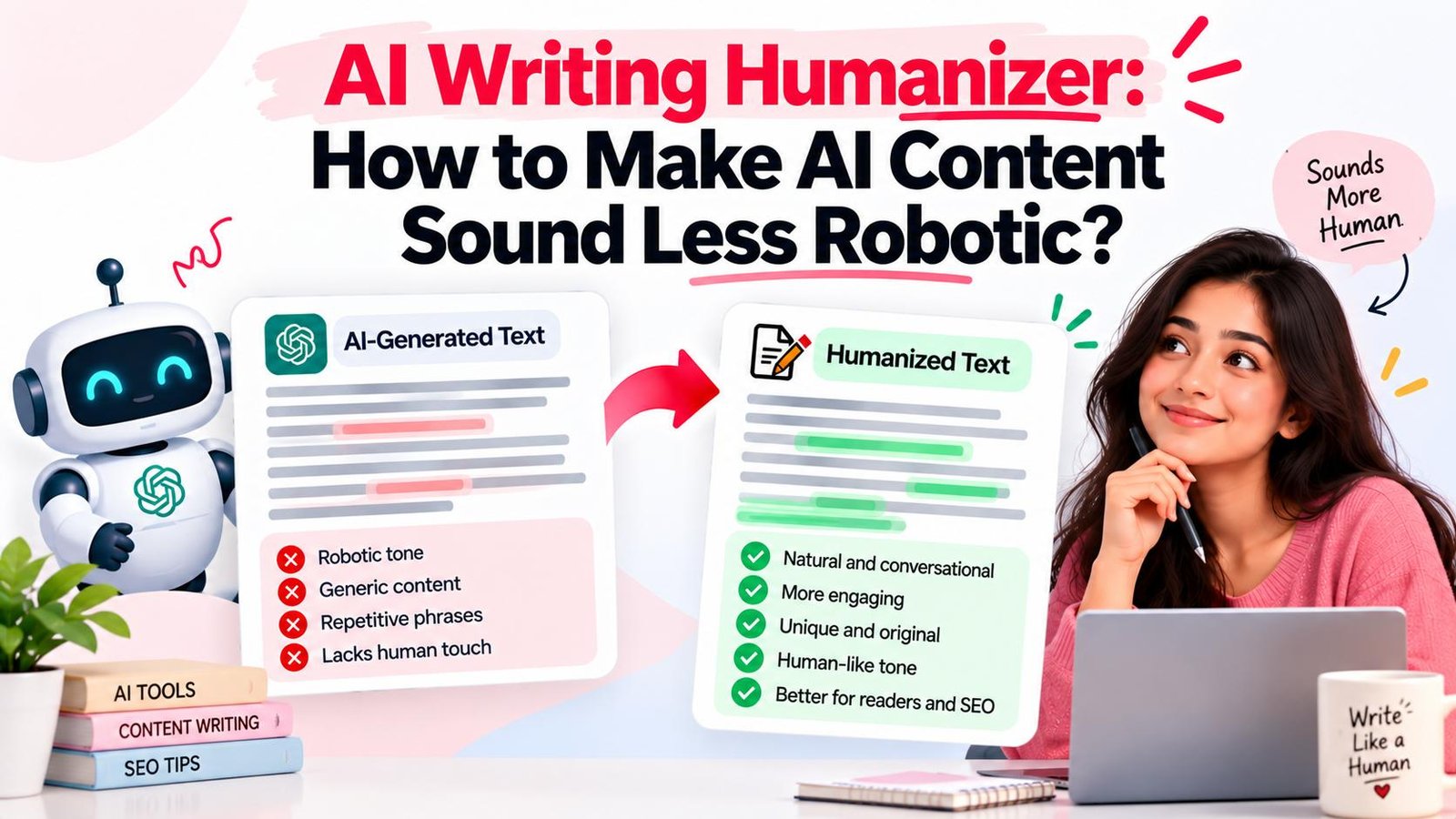
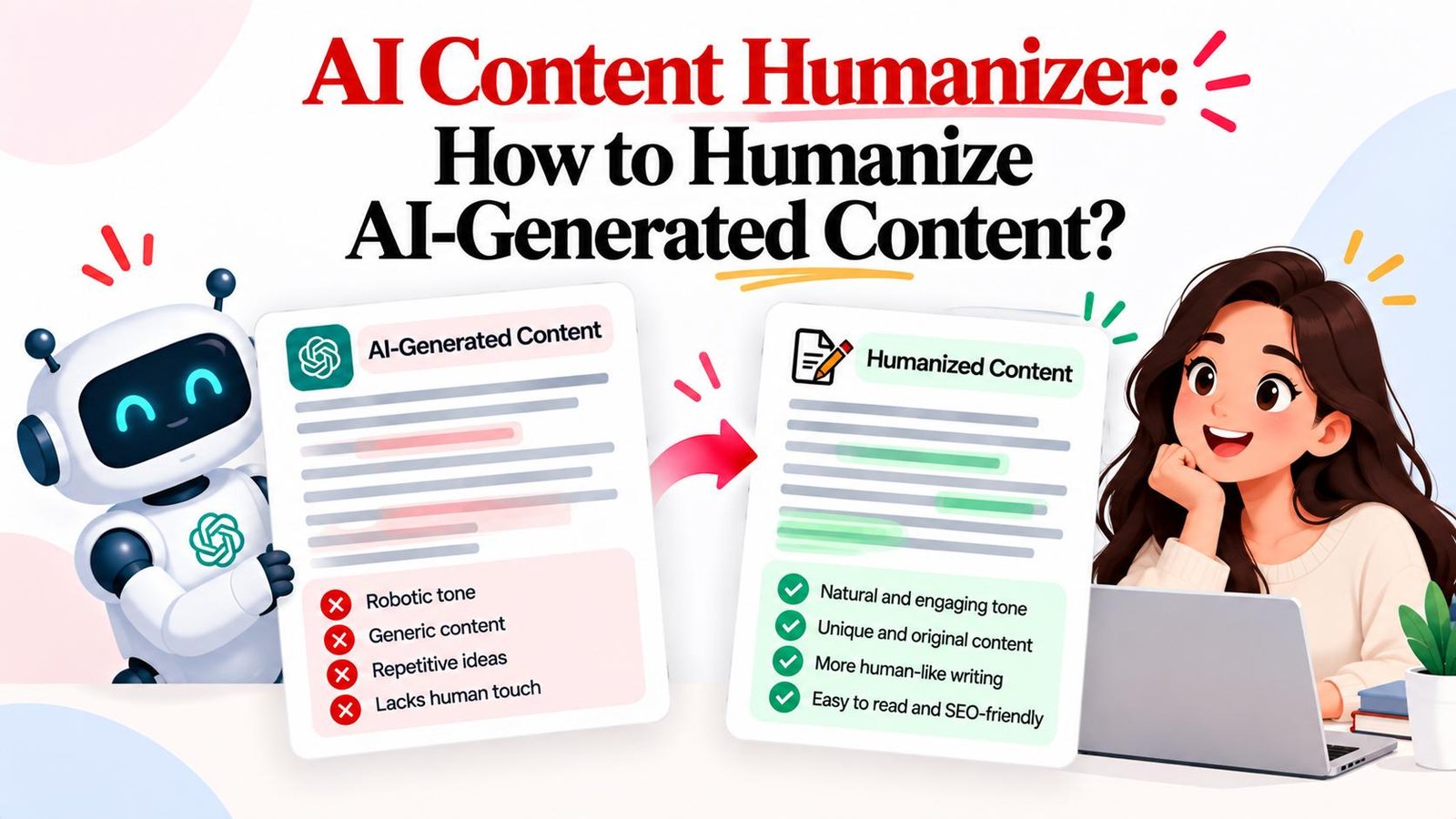
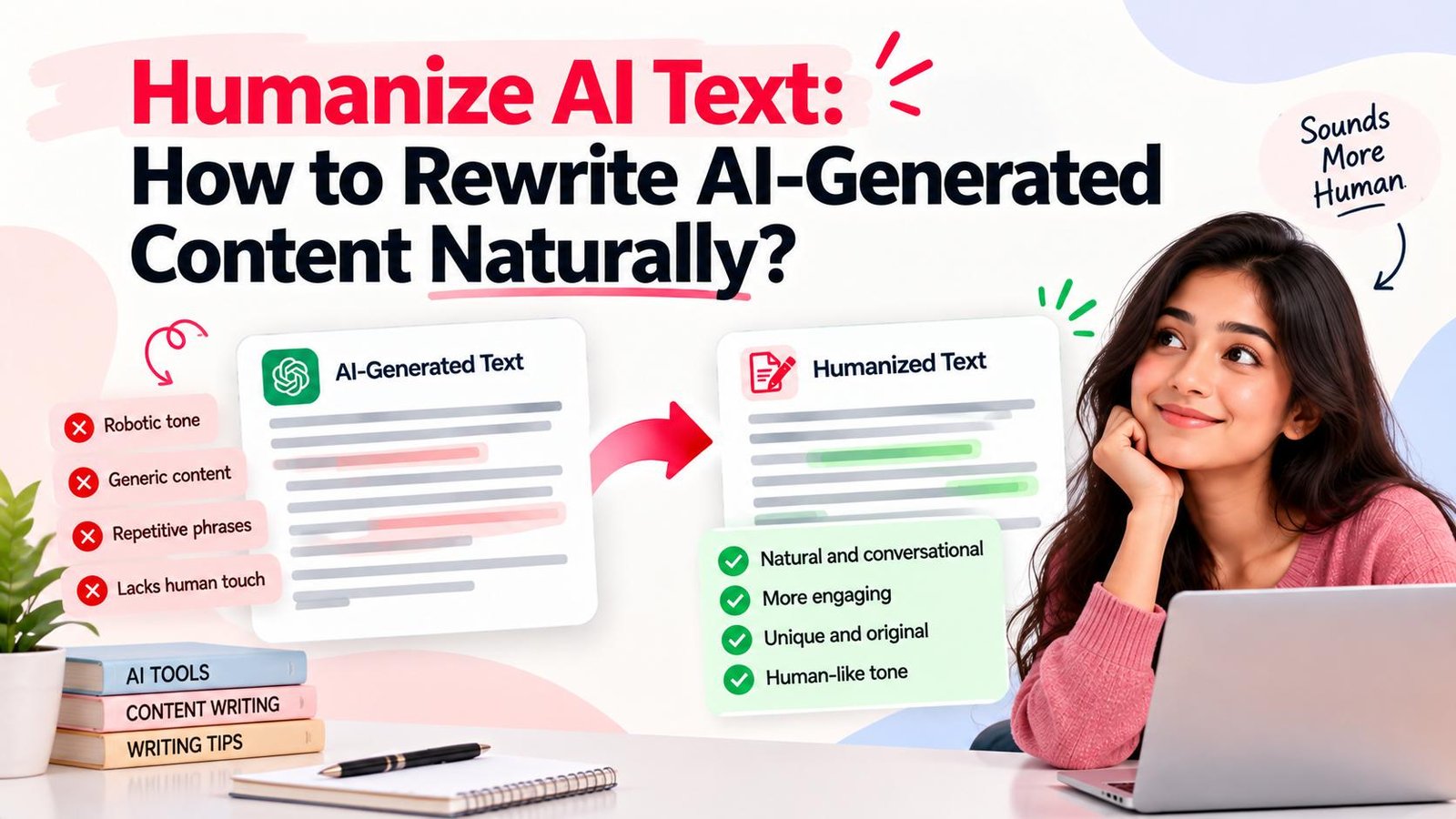
Artificial intelligence has transformed drafting workflows. Tools like ChatGPT, Gemini, and Claude produce content in seconds, yet raw machine drafts often sound rigid, repetitive, overly formal, and emotionally flat.
An AI humanizer online solves this challenge by restructuring sentences, balancing cadence, and removing synthetic filler so your writing reads naturally. Whether polishing an email, refining an article, or updating marketing copy, browser-based tools like Magic Humanizer let you convert machine drafts into authentic human writing in seconds.
Quick Answer: What Is an AI Humanizer Online?
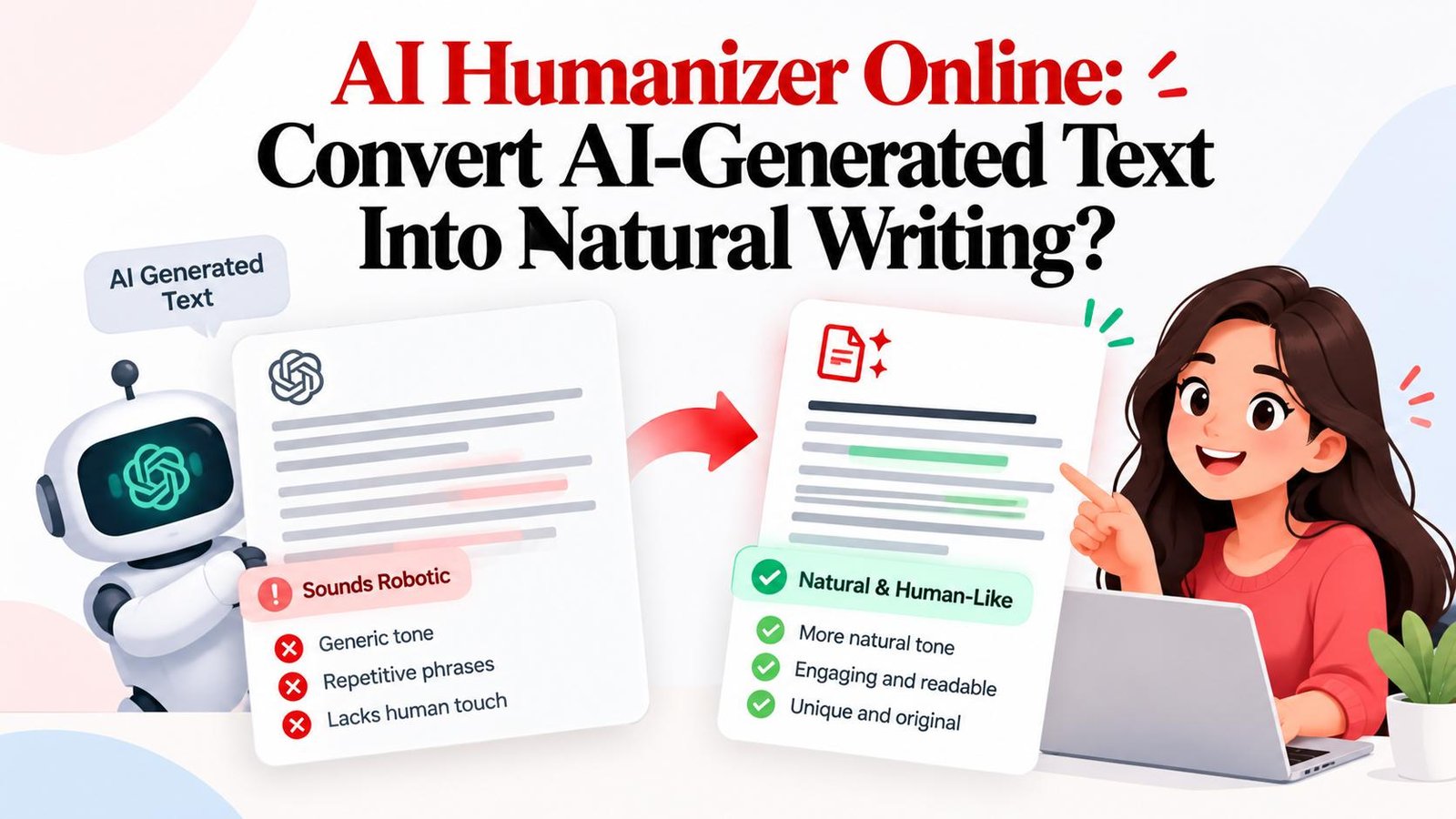
An AI humanizer online is a web-based tool designed to rewrite AI-generated text so it reads naturally, with improvements to wording, sentence structure, tone, and flow. It operates directly inside your browser without software installations while preserving your original facts and core message.
TL;DR
- Core Function: An online AI humanizer restructures synthetic text into fluent, human-like writing.
- Why It Matters: Unedited AI drafts suffer from repetitive syntax, generic transitions, and stiff cadence.
- Online Convenience: Browser tools process text instantly across desktop and mobile without software setup.
- Versus Paraphrasers: Humanizers overhaul rhythm and tone rather than simply swapping synonyms.
- Magic Humanizer: Offers browser-based humanization with Smooth, Casual, Academic, and Professional modes.
- Best Practice: Combine automated online humanization with human review for maximum accuracy.
What Is an AI Humanizer?
An AI humanizer is a specialized writing tool built to resolve the stylistic limitations of large language models. While AI produces grammatically correct copy, its reliance on statistical token probabilities leads to predictable phrasing and uniform sentence structures.
To understand how an AI humanizer works, consider how it differs from other common writing utilities:
- Versus Paraphrasing Tools: Paraphrasers swap isolated words with synonyms, often creating clumsy phrasing. An AI humanizer evaluates full paragraphs to rebalance rhythm, clause length, and tone. See our breakdown on AI humanizer vs paraphrasing tool.
- Versus Grammar Checkers: Grammar tools check mechanics like spelling and punctuation. They do not fix robotic cadence or monotone phrasing. A humanizer improves stylistic flow and readability.
- Versus AI Writing Generators: Generators draft new content from prompts. Humanizers act as an editorial layer, refining existing drafts into natural, human-grade prose.
What Does "AI Humanizer Online" Mean?
The term "online" means the software runs entirely in the cloud and is accessible through standard web browsers. There is no software to install, no plugins to configure, and no code to manage.
An online AI content humanizer offers a straightforward workflow:
- Browser-Based Access: Works across Chrome, Safari, Firefox, and Edge on desktop and mobile devices.
- Simple Input: Paste your AI draft directly into the browser editor.
- Cloud Processing: The neural engine analyzes and restructures your text in seconds.
- Instant Comparison: Review side-by-side output to inspect sentence variety and clarity.
- One-Click Copy: Transfer your finalized text straight to your CMS or document editor.
Why Does AI-Generated Text Sometimes Sound Unnatural?
AI-generated drafts often carry subtle artificial markers that cause readers to lose interest:
- Predictable Sentence Patterns: AI defaults to uniform sentence lengths (usually 15 to 20 words) and repetitive Subject-Verb-Object structures.
- Overused Buzzwords: Frequent appearances of words like "delve," "tapestry," "testament," "foster," "crucial," and "beacon."
- Formulaic Connectors: Heavy reliance on mechanical transitions like "Furthermore," "Moreover," "In addition," and "In conclusion."
- Generic Introductions & Conclusions: Opening with "In today's fast-paced digital world..." and closing with superficial summaries.
- Excessive Hedging: Overly cautious phrasing ("It is important to consider that...") that dilutes editorial conviction.
- Lack of Real-World Context: Broad abstractions without concrete metrics, case studies, or personal observations.
How to Humanize AI-Generated Text Online
Follow this practical 8-step workflow to convert machine drafts into natural writing:
Step 1: Start With the Original AI-Generated Text
Read your draft completely to understand its core arguments and data points before making any edits.
Step 2: Identify the Desired Tone
Select the right voice for your audience, whether Professional for reports, Casual for social media, or Academic for essays.
Step 3: Remove Repetition
Cut duplicated ideas, recurring nouns, and redundant clauses within each paragraph.
Step 4: Improve Sentence Variety
Alternate short punchy sentences with descriptive compound clauses to establish natural burstiness and rhythm.
Step 5: Simplify Overly Formal Language
Replace stiff vocabulary with plain words—swap "utilize" for "use" and "facilitate" for "help."
Step 6: Add Specific Context
Enrich high-level claims with real metrics, tool names, and relatable practical scenarios.
Step 7: Use an Online AI Humanizer
Paste your text into Magic Humanizer to automate syntax restructuring and remove synthetic patterns.
Step 8: Review the Output
Verify that all facts, dates, figures, and technical terms remain completely accurate before publishing.
Try Magic Humanizer Online
Paste your AI draft into our browser editor and see how natural your content can sound.
Humanize Text FreeBefore and After: Example of AI Text Humanization
Review these two illustrative before-and-after transformations:
Example 1: Business and Professional Communication
"Furthermore, it is imperative to acknowledge that leveraging cloud-native infrastructure serves as a profound testament to organizational scalability in today's digital era."
"Moving to cloud infrastructure helps companies scale faster. When server capacity adjusts automatically to traffic spikes, engineering teams spend less time troubleshooting and more time shipping features."
Breakdown of Changes: Eliminated corporate jargon ("imperative to acknowledge," "profound testament"), cut robotic connectors ("Furthermore"), and focused on concrete operational benefits.
Example 2: Marketing and Educational Content
"In today's fast-paced landscape, email marketing empowers forward-thinking businesses to foster meaningful engagement and maximize conversion efficiency."
"Targeted email campaigns still drive the highest ROI in digital marketing. When you send personalized product updates based on customer browsing history, repeat sales rise noticeably."
Breakdown of Changes: Removed marketing clichés ("fast-paced landscape," "empowers forward-thinking businesses") and added specific, realistic use cases.
How Does an Online AI Humanizer Work?
Online AI humanizers apply multi-layered natural language processing algorithms to refine machine drafts:
- Semantic Analysis: Identifies core facts, figures, and relationships to safeguard original meaning.
- Cadence Balancing: Measures sentence length uniformity and introduces organic variation.
- Perplexity Optimization: Replaces statistically predictable word patterns with rich, natural vocabulary.
- Transition Refinement: Swaps rigid transition words with conversational connectors.
- Tone Tuning: Adjusts vocabulary and phrasing to match selected presets (Smooth, Casual, Academic, Professional).
AI Humanizer Online vs Manual Editing
Comparing automated tools with manual editing shows how a hybrid approach offers the best efficiency:
| Approach | Speed | Effort | Control | Best For |
|---|---|---|---|---|
| Manual Editing | Slow (20-40 min/article) | High mental effort | Complete granular control | High-stakes essays, personal memoirs |
| Online AI Humanizer | Instant (Seconds) | Minimal effort | Mode-based presets | High-volume publishing, blogs, marketing |
| Hybrid Workflow | Fast (3-5 min/article) | Low (Quick review) | High precision | Content creators, SEO teams, agencies |
AI Humanizer Online vs AI Paraphrasing Tool
While paraphrasing tools and humanizers are often confused, their core functions differ:
- Core Goal: Paraphrasers spin text using synonyms to avoid duplicate matching. Humanizers rewrite sentence structures to maximize readability and flow.
- Writing Quality: Paraphrasers often introduce awkward phrasing. Humanizers refine rhythm and tone naturally.
- Context Retention: Humanizers evaluate paragraph-level context to preserve technical terms. Explore our guides on AI to human text and AI to human converter workflows.
Free AI Humanizer vs Paid AI Humanizer
Online humanization platforms provide both free and paid tiers to accommodate different publishing volumes:
- Free Humanizer Tier: Perfect for occasional emails, short posts, and quick edits. Magic Humanizer offers free daily scans with no sign-up fees (3 scans up to 500 words for guests, and 5 scans up to 1,000 words for registered users). Learn more in our free AI humanizer guide.
- Paid Humanizer Plans: Designed for agencies and publishers managing large volumes, billed in INR (₹):
- Basic: ₹249 / month (15,000 words/mo, 1,500 words/scan)
- Pro: ₹499 / month (50,000 words/mo, 3,000 words/scan)
- Unlimited: ₹999 / month (Unlimited words, 5,000 words/scan)
Magic Humanizer: An Online AI Humanizer
Magic Humanizer is a purpose-built web application engineered to transform mechanical machine copy into engaging, human-grade prose. Built with strict structure preservation, it protects data, citations, bullet points, and tables while enhancing readability.
Key capabilities include:
- Four Tone Modes: Smooth (balanced everyday reading), Casual (friendly conversational tone), Academic (scholarly clarity), and Professional (authoritative business voice).
- Browser-Based Workflow: Fast processing directly in your browser with no software setup.
- Data Privacy: Guest text is processed in memory and never saved. Registered user history is purged automatically after 7 days.
How to Use Magic Humanizer to Humanize AI Text
Transforming your AI drafts with Magic Humanizer is simple:
- Open the Editor: Go to the Magic Humanizer Editor.
- Paste Your Text: Enter your AI draft into the text field.
- Select Tone Mode: Choose Smooth, Casual, Academic, or Professional.
- Click "Humanize Text": The engine restructures your text in seconds.
- Review & Copy: Check the output, make final polish, and copy your text.
Ready to polish your AI writing?
Transform robotic drafts into natural human-quality text in seconds with Magic Humanizer.
Try Magic Humanizer FreeWho Can Use an AI Humanizer Online?
An online AI humanizer serves diverse writing and publishing needs:
- Content Writers & Bloggers: Speed up drafting while maintaining an authentic personal voice. See our guide to humanizing AI content.
- SEO Specialists: Deliver engaging, natural articles that keep reader bounce rates low. Explore our AI text humanizer guide.
- Copywriters & Marketers: Polish landing pages, cold emails, and ad copy with persuasive cadence.
- Business Teams: Refine client proposals, executive summaries, and internal memos.
- Social Media Creators: Craft conversational threads and posts that spark genuine engagement.
- Students & Researchers: Improve clarity and sentence flow in research drafts without violating academic integrity.
What Types of AI-Generated Text Can You Humanize?
You can humanize virtually any format of AI-generated content:
- Blog Posts & Guides: Turn rigid machine outlines into flowing articles. Read our ChatGPT humanizer guide and walkthrough on humanizing ChatGPT text.
- Outreach Emails: Remove robotic greetings to improve response rates.
- Product Descriptions: Replace generic feature lists with compelling benefits.
- Website Copy: Ensure hero headlines and value propositions build immediate trust.
- Reports & Summaries: Clean up repetitive executive briefings for effortless reading.
Can an AI Humanizer Change the Meaning of Text?
Automated rewriting can occasionally shift subtle nuances or misplace qualifiers. While Magic Humanizer preserves core facts and structural elements, human review is always recommended:
- Verify Terminology: Ensure industry terms are not replaced with inaccurate general words.
- Check Statistics: Confirm dates, percentages, and metrics remain exact.
- Review Logic: Ensure causal links between arguments remain intact.
AI Humanizers and AI Detectors
Understanding the realities of AI detection helps set proper expectations:
- Probabilistic Classifiers: Detectors analyze perplexity and burstiness. They do not know authorship; they evaluate statistical predictability.
- False Positives: Detectors frequently misclassify human writing—particularly formal or technical prose—as AI-generated.
- No 100% Bypass Guarantees: Because detectors use differing models, scores vary widely. No tool can guarantee passing every detector.
- Focus on Reader Clarity: The goal of humanization is clear, compelling communication rather than chasing unpredictable detector scores.
Best Practices for Humanizing AI Text
Follow these 10 actionable rules for superior output:
- Understand the Core Message: Know your main takeaway before editing.
- Cut Redundant Words: Eliminate filler phrases that add no value.
- Use Concrete Examples: Ground abstract claims in real scenarios.
- Vary Sentence Length: Mix punchy short sentences with descriptive clauses.
- Strip Buzzwords: Remove words like "delve" and "testament."
- Match Audience Intent: Tailor tone to your readers' expectations.
- Maintain Consistency: Keep tone uniform across all sections.
- Fact-Check Claims: Verify dates, metrics, and citations.
- Read Aloud: Catch awkward cadence by listening to the text.
- Review Before Publishing: Always perform a final human check.
Frequently Asked Questions About AI Humanizers Online
What is an AI humanizer online?
An AI humanizer online is a web-based tool that rewrites AI-generated text to improve sentence structure, cadence, and vocabulary, making it read naturally.
How do I humanize AI-generated text online?
Paste your draft into an online tool like Magic Humanizer, select a tone mode, click "Humanize Text", and review the final output.
Is there a free AI humanizer?
Yes. Magic Humanizer offers free daily scans (up to 500 words for guests, and 1,000 words for registered users) with no credit card required.
What is the difference between an AI humanizer and a paraphraser?
Paraphrasers replace individual words with synonyms, while an AI humanizer restructures full sentences, balances rhythm, and refines overall tone.
Can an AI humanizer make AI writing sound more natural?
Yes. By varying sentence lengths, removing robotic transitions, and replacing overused buzzwords, an AI writing humanizer creates organic, readable prose.
Can I use an AI humanizer for long text?
Yes. You can humanize longer articles and documents section by section to maintain consistent quality and tone throughout.
Does humanizing AI text guarantee that AI detectors will not detect it?
No. AI detectors use probabilistic models with known false positives. Humanization focuses on enhancing readability and engagement for human readers.
Can an AI humanizer change the meaning of my text?
While quality humanizers preserve core meaning, sentence restructuring can occasionally alter nuance. Always review your output for factual accuracy.
Is Magic Humanizer free?
Yes. Free daily scans are available, with premium plans starting at ₹249/month for higher word volumes and scan limits.
How do I use Magic Humanizer?
Navigate to the Magic Humanizer Editor, paste your text, choose a tone mode, click "Humanize Text", and copy the result.
Final Thoughts: Convert AI-Generated Text Into Natural Writing
AI drafting tools provide impressive speed, but raw machine text often lacks the warmth, rhythm, and clarity that readers expect. Rigid syntax and overused clichés can weaken reader engagement.
Using an AI humanizer online bridges the gap between AI efficiency and natural human expression. By pairing automated sentence refinement with human editorial judgment, you can publish polished, compelling content every time.
Convert Your AI Text Into Natural Writing Today
Experience fast, browser-based humanization with Magic Humanizer. Start for free with no account needed.
Try Magic Humanizer Online