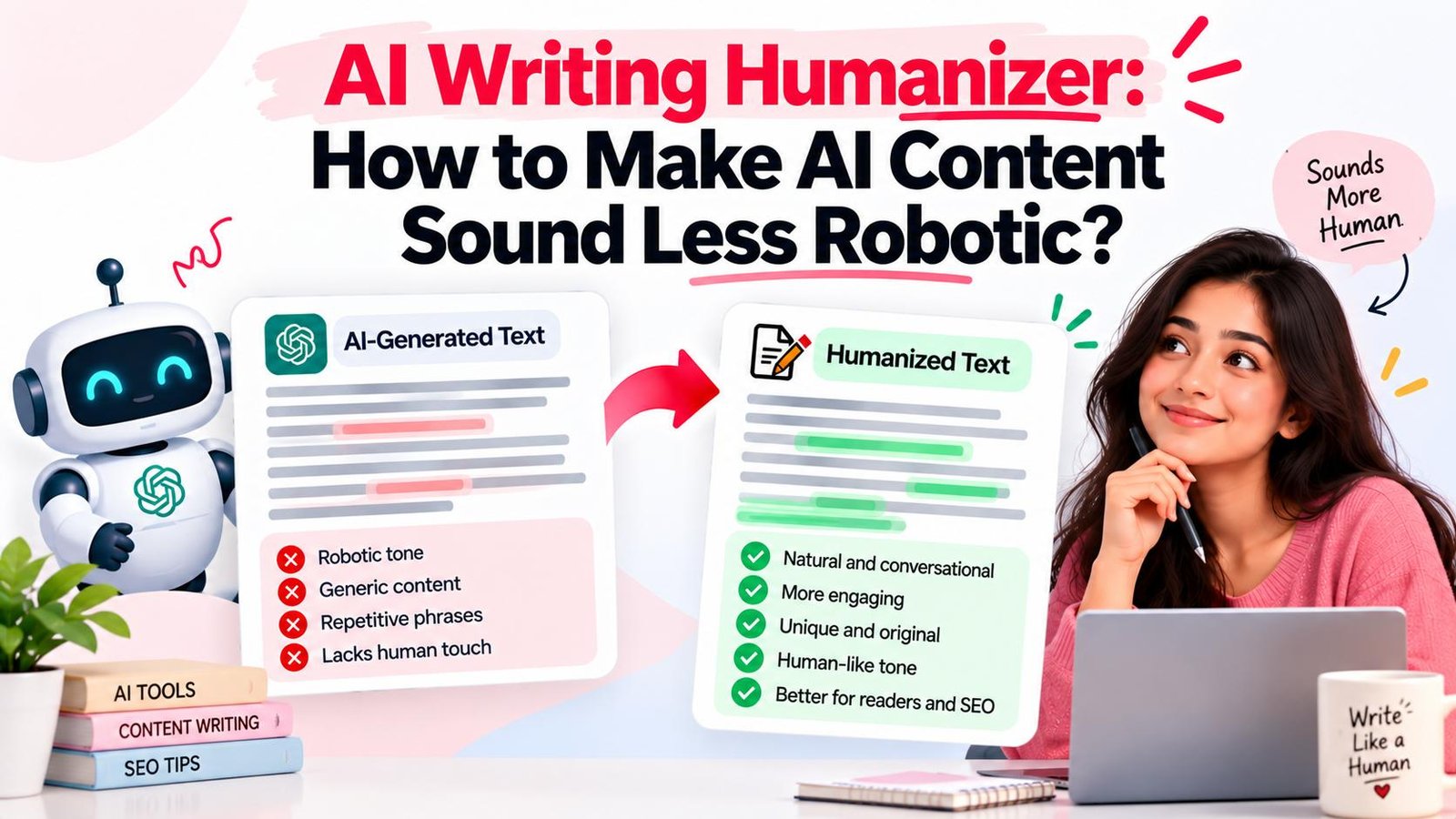
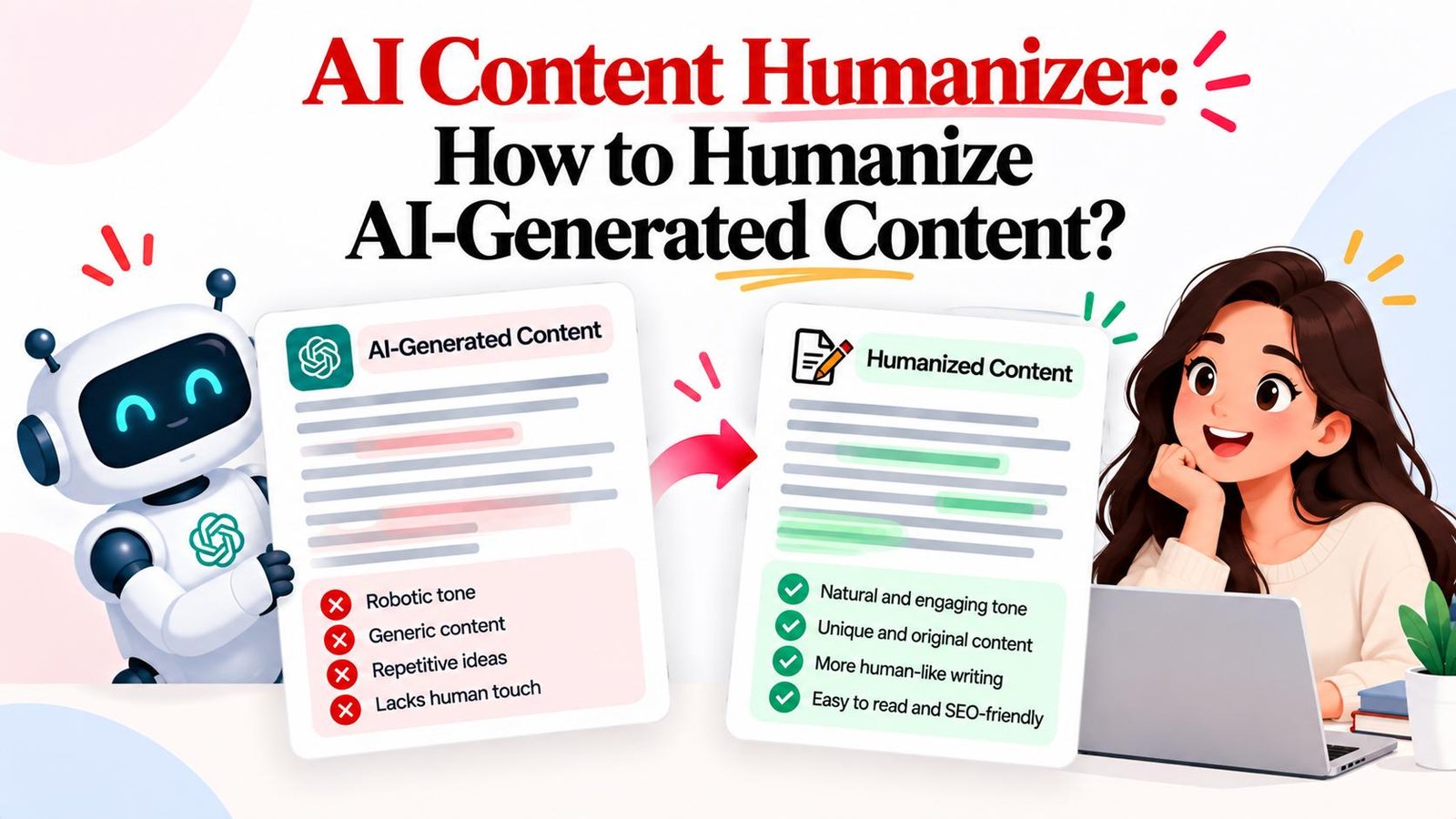
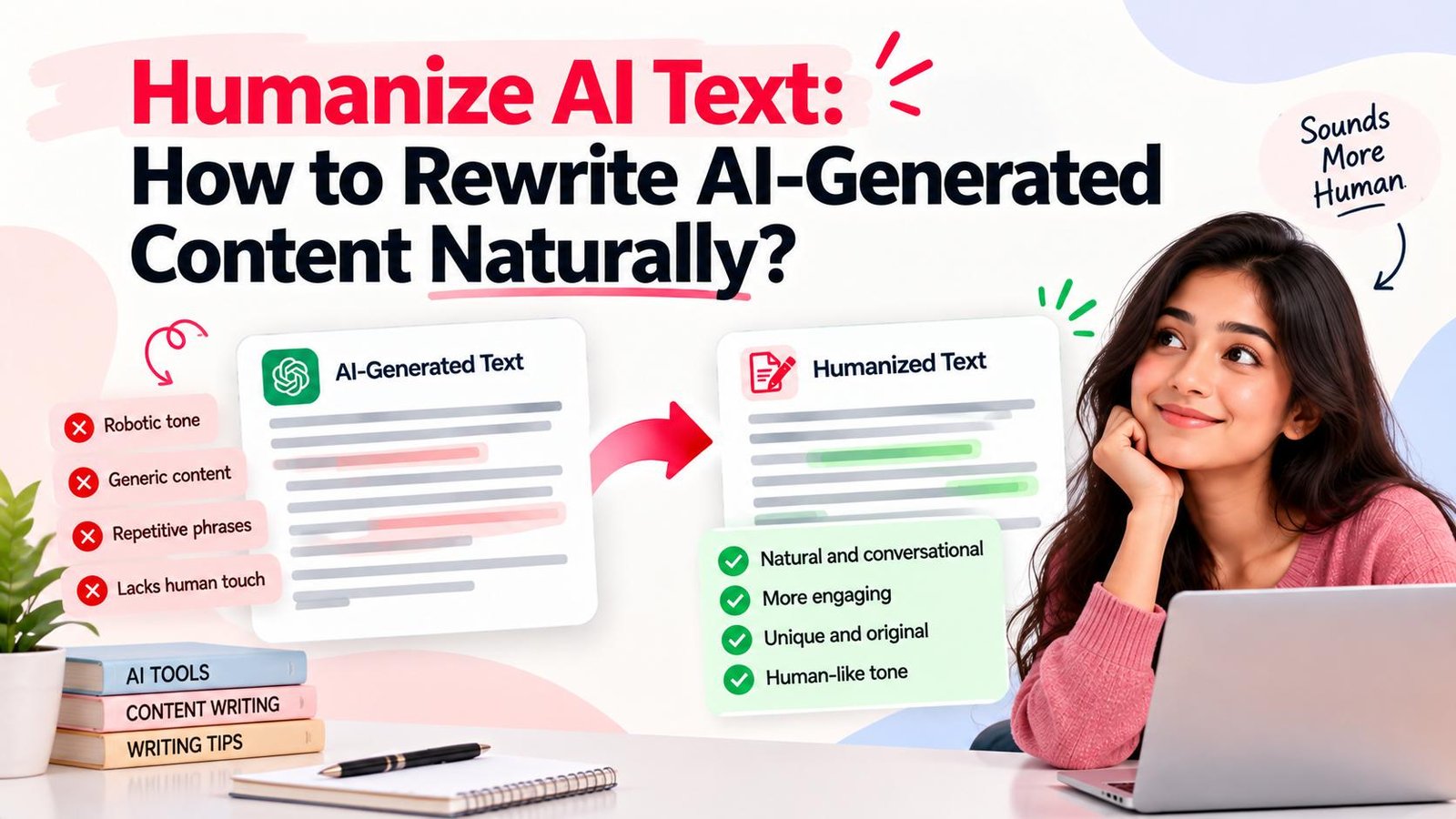
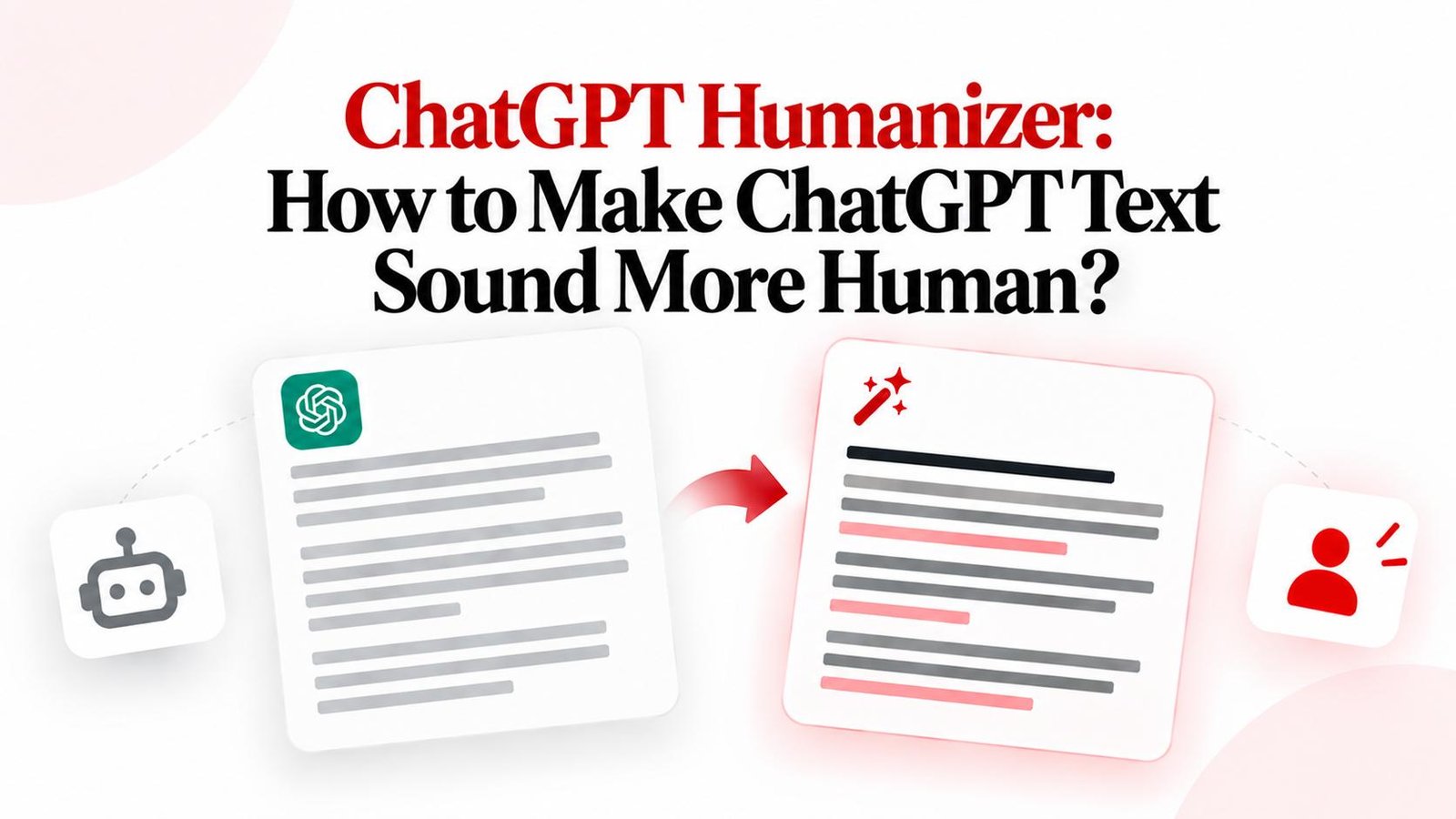
ChatGPT Humanizer: How to Make ChatGPT Text Sound More Human?
Looking for a ChatGPT humanizer? Learn how to make ChatGPT text sound more human with step-by-step editing techniques, online tools, and best practices.
Want to humanize your AI drafts automatically?
Transform robotic writing into fluent human copy in seconds.
ChatGPT has made content drafting faster and more accessible than ever. With simple prompts, you can generate articles, emails, marketing copy, and explanatory guides in seconds. However, raw ChatGPT output can sometimes feel generic, repetitive, or overly formal. When readers encounter monotonous sentence patterns and predictable phrasing, engagement drops.
A ChatGPT humanizer provides the solution. Rather than blindly swapping individual words with dictionary synonyms, a ChatGPT humanizer refines clause structure, balances cadence, eliminates formulaic AI clichés, and adjusts tone so that machine-assisted drafts read authentically. Whether you edit manually or use an online tool like Magic Humanizer, this guide explains how a ChatGPT humanizer works, how to make ChatGPT text sound more human, and how to maintain complete factual accuracy across your workflow.
Quick Answer: What Is a ChatGPT Humanizer?
A ChatGPT humanizer is a tool or editing workflow designed to rewrite ChatGPT-generated text so that it reads naturally. It improves wording, sentence structure, flow, tone, repetition, and readability while preserving the original message. Final results depend on source text clarity, audience context, tool capabilities, and careful human review.
TL;DR
- A ChatGPT humanizer transforms rigid machine drafts into fluid, audience-focused prose.
- Raw ChatGPT output frequently features uniform sentence lengths and repetitive transitions.
- A structured 10-step manual process simplifies syntax, introduces sentence burstiness, and adds context.
- Unlike synonym spinners, a dedicated humanizer reorganizes clauses while preserving factual meaning.
- You can humanize text manually or use an online tool like Magic Humanizer.
- Free daily options let creators refine drafts in their browser without upfront subscriptions.
- Always perform a final human review to fact-check numbers, names, and brand voice before publishing.
What Is a ChatGPT Humanizer?
A ChatGPT humanizer is a specialized writing tool or editorial process designed to analyze text generated by OpenAI's ChatGPT and transform it into fluent, natural-sounding human writing.
ChatGPT generates responses by predicting statistical token sequences. While grammatically correct, unedited outputs often exhibit telltale patterns: uniform sentence lengths, detached academic vocabulary, and predictable structural templates. A ChatGPT humanizer addresses these characteristics by restructuring clauses, varying rhythm, eliminating redundant filler, and aligning tone with real human communication.
It differs fundamentally from legacy article spinning:
- Synonym Spinning: Swaps words blindly with dictionary synonyms, creating awkward phrasing and broken grammar.
- ChatGPT Humanization: Restructures full sentences and paragraphs, refining syntax, balancing cadence, cutting filler, and preserving factual meaning.
Why Humanize ChatGPT Text?
Publishing unedited ChatGPT drafts can introduce friction. Here are eight practical reasons to humanize your ChatGPT text:
- Improve Readability: Simplifies convoluted syntax and dense academic phrasing.
- Make Wording More Natural: Replaces clinical machine vocabulary with conversational language.
- Reduce Repetitive Phrasing: Consolidates circular logic and deletes duplicate conclusions.
- Improve Sentence Flow: Restores natural rhythm by alternating short and medium sentences.
- Adapt the Tone: Calibrates voice to sound warm, empathetic, or professional for target readers.
- Match a Specific Audience: Tailors examples and terminology to beginners or industry professionals.
- Make AI Drafts Easier to Edit: Cleans up awkward sentence constructions, speeding up editorial review.
- Improve Brand Consistency: Aligns phrasing with established organization tone guidelines.
Why Can ChatGPT Text Sound Less Natural?
Depending on prompt design and context, standard unedited ChatGPT outputs frequently display recognizable statistical markers:
- Uniform Sentence Lengths: Sentences hover around similar word counts, creating a flat cadence.
- Predictable Transitions: Overuse of formal connectors like "Furthermore," "Moreover," and "In conclusion."
- Overly Formal Vocabulary: Frequent use of stiff words like "utilize," "delve," and "paramount."
- Generic Introductions: Starting with broad generalities instead of addressing user intent directly.
- Repeated Summaries: Restating points across multiple paragraphs without new insights.
- Broad Generalizations: Theoretical overviews lacking concrete metrics or practical examples.
- Excessive Explanations: Over-explaining basic concepts already known to readers.
- Lack of Domain Context: Missing practical workplace nuances that experienced practitioners provide.
Illustrative Example of ChatGPT Writing vs Natural Humanized Flow:
- Before (Raw ChatGPT Output): "Furthermore, it is important to understand that implementing an effective strategy can significantly enhance the overall quality of your content."
- After (Natural Humanized Flow): "A clear strategy can make your content more useful and effective."
As demonstrated in this illustrative example, humanization preserves the core meaning while eliminating bloated phrasing and rigid connectors.
How to Humanize ChatGPT Text Manually
To transform machine drafts into authentic, engaging prose, follow this 10-step editorial workflow:
- Understand the Original Message: Identify the core point of the passage before making edits.
- Identify the Target Audience: Adapt vocabulary, tone, and depth of explanation to reader expectations.
- Remove Repetition: Delete duplicate assertions and circular summary sentences.
- Simplify Formal Wording: Replace stiff vocabulary (e.g., replace "utilize" with "use").
- Vary Sentence Structure (Burstiness): Combine punchy short sentences with descriptive ones.
- Improve Transitions: Use natural contextual links instead of textbook connectors.
- Add Useful Context: Incorporate realistic examples, specific numbers, and practical steps.
- Adjust the Tone: Calibrate conversational warmth, professional clarity, or instructional authority.
- Read the Content Naturally: Read the draft aloud to catch awkward cadence or unnatural pauses.
- Fact-Check the Content: Verify dates, names, statistics, technical terms, and claims.
How to Humanize ChatGPT Text Online
When managing recurring publishing schedules, an online ChatGPT humanizer accelerates rewriting:
- Prepare your ChatGPT text: Copy your draft from ChatGPT or your document editor.
- Open an online ChatGPT humanizer: Navigate to the Magic Humanizer editor.
- Paste your text: Insert your copy into the input area.
- Start humanization: Click Humanize Text to process your draft through multi-pass cadence optimization.
- Inspect the result: Compare the rewritten output side-by-side with your original text.
- Verify facts and meaning: Confirm numbers, dates, brand names, and key arguments were preserved.
- Make final edits: Add personal anecdotes or organization-specific insights.
- Use the finished content: Copy the text directly into your CMS or document editor.
Convert ChatGPT Text Into Human-Like Writing
Transform robotic ChatGPT drafts into clear, engaging human writing in seconds with Magic Humanizer.
Humanize ChatGPT TextChatGPT Text Before and After Humanization
Examine this realistic before-and-after illustrative example focusing on workplace communication:
Before: ChatGPT-Generated Text (Illustrative Example)
"In the contemporary landscape of digital communication, leveraging asynchronous collaboration tools represents a paramount paradigm for optimizing organizational productivity. Furthermore, it is critical to observe that establishing comprehensive documentation workflows mitigates cross-departmental bottlenecks. In conclusion, by utilizing structured asynchronous channels, enterprises can significantly elevate operational velocity."
After: More Natural Version (Humanized Flow)
"Clear asynchronous communication is one of the easiest ways to keep remote teams aligned without constant meetings. When teams document project updates in a shared workspace, anyone can catch up on decisions without waiting for a scheduled call. The result? Faster progress, fewer interruptions, and less daily friction."
What Changed in This Illustrative Example?
- Wording: Replaced buzzwords ("paramount paradigm") with natural vocabulary.
- Sentence Structure: Replaced uniform academic clauses with dynamic, conversational pacing.
- Repetition: Removed generic summaries and highlighted practical workflow benefits.
- Tone: Shifted from stiff brochure copy to direct, engaging advice.
- Flow: Eliminated mechanical transitions ("Furthermore," "In conclusion").
- Meaning Preservation: The core premise of asynchronous documentation remains intact.
What Does a ChatGPT Humanizer Change?
A ChatGPT humanizer refines multiple linguistic dimensions across machine drafts:
- Sentence Variation: Alternates sentence lengths for natural cadence.
- Word Choice: Swaps stiff vocabulary for clear, relatable terms.
- Natural Phrasing: Eliminates awkward syntax typical of language models.
- Repetition Reduction: Consolidates circular logic and repeated points.
- Transition Optimization: Replaces rigid connector words with organic bridges.
- Paragraph Flow: Smooths transitions between narrative sections.
- Tone & Readability: Ensures voice aligns with audience expectations.
ChatGPT vs a ChatGPT Humanizer: What's the Difference?
Understanding the distinction between ChatGPT and a dedicated humanizer helps you use both tools effectively:
| Feature | ChatGPT | ChatGPT Humanizer |
|---|---|---|
| Core Function | Generates new drafts, summaries, and ideas from prompts | Rewrites and naturalizes existing AI drafts for flow and readability |
| Output Style | Often defaults to formal, uniform, and slightly repetitive syntax | Restructures clauses for human cadence, burstiness, and natural rhythm |
| Workflow Role | First-draft creation and idea brainstorming | Post-generation refinement, polishing, and naturalization |
Using ChatGPT for initial drafting and a dedicated AI writing humanizer for syntactic refinement creates an efficient end-to-end writing pipeline.
ChatGPT Humanizer vs Manual Editing
Comparing automated conversion and manual editing helps you build an optimal workflow:
| Approach | Speed | Control | Best For | Main Limitation |
|---|---|---|---|---|
| Manual Editing | Slower | Maximum | High-stakes essays, sensitive personal communications | Time-consuming to scale across high volume |
| ChatGPT Humanizer | Fast (seconds) | Medium | High-volume publishing, blog drafts, marketing copy | Requires brief human factual verification |
| Combined Workflow | Fast & Thorough | High | Professional articles, SEO content, business reports | Requires a short proofreading pass |
A combined workflow is recommended: let an online tool like Magic Humanizer handle the structural rewriting, then spend 2 minutes proofreading for personal anecdotes and data verification.
Can You Use a ChatGPT Humanizer for Free?
Yes, you can use a ChatGPT humanizer for free. Across the web, free access generally includes free daily allowances, ad-supported tools, and trial tiers.
On Magic Humanizer, free access is clear and immediately available:
- Guest Visitors: 3 free scans per day, up to 500 words per scan with no signup.
- Free Registered Users: 5 free scans per day, up to 1,000 words per scan, plus 7-day saved history.
- Paid Monthly Plans (INR): For higher volume, transparent tiers include Basic at ₹249/mo (15k words/mo), Pro at ₹499/mo (50k words/mo), and Unlimited at ₹999/mo.
Explore our dedicated guide on ChatGPT Humanizer Free for additional details on free options.
Try Free ChatGPT Humanization
Convert ChatGPT writing into human-like prose today with generous free daily scans. No credit card required.
Make ChatGPT Writing More NaturalHow Magic Humanizer Can Help Humanize ChatGPT Text
Magic Humanizer is a browser-based application designed to help writers, bloggers, SEO specialists, and creators turn rigid ChatGPT drafts into readable prose in seconds.
Verified Core Capabilities:
- Multi-Pass Linguistic Optimization: Restructures monotonous phrasing into dynamic human rhythm.
- Synthetic Marker Elimination: Removes robotic clichés, academic filler, and repetitive connectors.
- Strict Factual Preservation: Protects numbers, dates, names, citations, and core arguments.
- Zero Anti-Expansion Bloat: Refines drafts concisely without adding artificial filler words.
- Table & Markdown Protection: Preserves bullet points, lists, markdown styling, and tables.
- 7-Day Saved History: Registered users can review, search, and export past humanizations.
How to Humanize ChatGPT Text With Magic Humanizer
- Open Magic Humanizer: Navigate to the Magic Humanizer editor in your browser.
- Paste Your Text: Insert your ChatGPT-generated copy into the input area.
- Click Humanize Text: Initiate multi-pass cadence and syntax processing.
- Inspect the Output: Review side-by-side changes in cadence, vocabulary, and flow.
- Copy Your Text: Click copy to paste your finished prose into your workflow.
Ready to humanize your ChatGPT text?
Experience fast, clean AI text naturalization with Magic Humanizer.
Try Magic HumanizerCan You Humanize Long ChatGPT Text?
Yes, you can humanize long-form ChatGPT content effectively. When working with long documents such as comprehensive guides, ebooks, or long-form essays, keep these best practices in mind:
- Process in Logical Sections: Break long articles into cohesive sections to ensure focused cadence optimization.
- Maintain Consistent Tone: Ensure the voice remains consistent across all processed subsections.
- Check Section Transitions: Review transitions between individual sections so narrative flows seamlessly.
- Review the Complete Document: Perform a final read-through to ensure factual harmony and stylistic consistency throughout.
What Types of ChatGPT Content Can You Humanize?
A ChatGPT humanizer can be applied across virtually any format of AI-assisted writing:
- Blog Posts: Informational guides, tutorials, and listicles. Learn more in our guide to AI humanizers for blogging.
- SEO Articles: Search-optimized long-form content. Explore AI Content and SEO and try our AI Humanizer for SEO.
- Website Copy: Landing pages, feature descriptions, and about sections.
- Marketing Content: Ad copy, promotional sequences, and email campaigns via our AI Content Humanizer.
- Product Descriptions: Ecommerce catalog copy and feature overviews.
- Emails: Client proposals, outreach messages, and newsletters.
- Social Media Content: LinkedIn posts, threads, and captions.
- Business Writing: Reports, documentation, and operational summaries.
- Educational Content: Study summaries, explanatory guides, and manuals.
- ChatGPT Responses: Conversational answers and structured prompt outputs.
Note: Content should always be humanized responsibly. Do not use AI humanizers for academic dishonesty or misrepresenting authorship where original human composition is required.
Can Humanizing ChatGPT Text Change Its Meaning?
Yes, restructuring sentences can alter subtle nuance if not reviewed. Because humanization changes sentence structures and replaces stiff phrasing, you should always perform a quick editorial check.
When reviewing humanized text, verify:
- Statistics & Percentages: Ensure all data points match source facts.
- Dates & Chronology: Verify years, deadlines, and project timelines.
- Proper Names & Entities: Check brand names, individuals, and locations.
- Technical Terminology: Ensure specialized definitions remain accurate.
- Procedural Steps: Confirm step-by-step instructions remain logical.
- Legal & Financial Disclaimers: Ensure compliance statements retain precision.
Does a ChatGPT Humanizer Guarantee AI Detector Results?
No. A ChatGPT humanizer does not guarantee 100% human scores across all detectors.
Claims of "100% undetectable AI writing" are misleading because:
- Detector Inconsistency: Tools like GPTZero, Turnitin, and CopyLeaks use disparate scoring algorithms and frequently disagree on the same text. Read our analysis on why AI detectors give different results.
- Algorithm Updates: Detection classifiers shift regularly, causing scores to fluctuate.
- False Positives: Formal human writing is often misflagged. Explore what AI writing detectors measure and AI Detector vs. AI Humanizer.
Humanization focuses on clarity, natural flow, reader engagement, and genuine audience value.
Best Practices for Humanizing ChatGPT Text
- Understand your core message before editing.
- Define target audience and brand tone.
- Give every section a focused purpose.
- Remove repetition and circular logic.
- Simplify stiff, overly formal vocabulary.
- Vary sentence lengths to create natural cadence.
- Add practical context and real-world examples.
- Preserve core meaning and factual accuracy.
- Maintain consistent tone across all sections.
- Fact-check dates, statistics, and proper names.
- Review humanized output side-by-side with drafts.
- Keep brand voice cohesive across publications.
- Use AI humanizers to assist rather than replace judgment.
ChatGPT Text to Human Text: Is It the Same as AI-to-Human Conversion?
ChatGPT humanization and AI-to-human conversion are closely related concepts in digital publishing:
- ChatGPT Humanizer: Targets text specifically generated by OpenAI's ChatGPT models, addressing characteristic prompt templates and conversational fillers.
- AI to Human Converter: Encompasses broader machine-generated text from any language model (Claude, Gemini, Llama, Jasper). Explore our complete guides on AI to Human Text and AI to Human Converter.
- AI Text Humanizer: Focuses on the overarching process of converting machine drafts into engaging human writing. See our dedicated guide on how to Humanize ChatGPT Text, our guide on AI Text Humanizer, and Humanize AI Content.
Frequently Asked Questions About ChatGPT Humanizers
What is a ChatGPT humanizer?
A ChatGPT humanizer is a tool or editing workflow that rewrites ChatGPT drafts to make them sound natural and human-like while preserving meaning.
How does a ChatGPT humanizer work?
It restructures clauses, varies sentence length, and replaces robotic phrasing with natural vocabulary. See how an AI humanizer works.
How do I humanize ChatGPT text?
Cut repetition, simplify formal vocabulary, vary sentence cadence, add examples, and use Magic Humanizer.
How can I make ChatGPT text sound more human?
Mix sentence lengths, replace stiff jargon with plain words, and remove formulaic connectors like "Furthermore."
Can I humanize ChatGPT text online?
Yes. Paste text into the Magic Humanizer browser editor to convert it in seconds.
Is there a free ChatGPT humanizer?
Yes. Magic Humanizer provides free daily scans (500w for guests, 1,000w for registered users) without signup fees.
What is the difference between ChatGPT and a ChatGPT humanizer?
ChatGPT generates first drafts, while a ChatGPT humanizer refines and naturalizes syntax, rhythm, and tone for readers.
Can a ChatGPT humanizer change the original meaning?
Restructuring sentences can shift nuance. Always proofread output to confirm facts, numbers, and arguments remain accurate.
Can I humanize long ChatGPT text?
Yes. Process long documents in logical sections, verify transitions between parts, and maintain consistent tone throughout.
Does a ChatGPT humanizer guarantee AI detector results?
No. Detectors use probabilistic models with high false-positive rates. Humanization focuses on reader clarity.
What types of ChatGPT content can I humanize?
You can humanize blog posts, SEO articles, website copy, emails, product descriptions, and business reports.
What is the difference between a ChatGPT humanizer and an AI humanizer?
A ChatGPT humanizer focuses specifically on ChatGPT drafts, while an AI humanizer handles text from any language model.
Is Magic Humanizer free?
Yes. Free daily scans are available, with paid plans starting at ₹249/month for higher volume.
How do I use Magic Humanizer?
Open the editor, paste text, click "Humanize Text", review results, and copy your text.
Final Thoughts: Making ChatGPT Text Sound More Human
ChatGPT provides remarkable efficiency for drafting content, but raw outputs often lack the rhythm, warmth, and contextual nuance that human readers expect.
By following a structured humanization workflow—or letting Magic Humanizer handle the structural heavy lifting in seconds—you can produce clear, authentic writing that connects with your audience and stands out.
Ready to humanize your ChatGPT text?
Transform robotic drafts into fluent, natural human writing today with Magic Humanizer.
Try Magic Humanizer