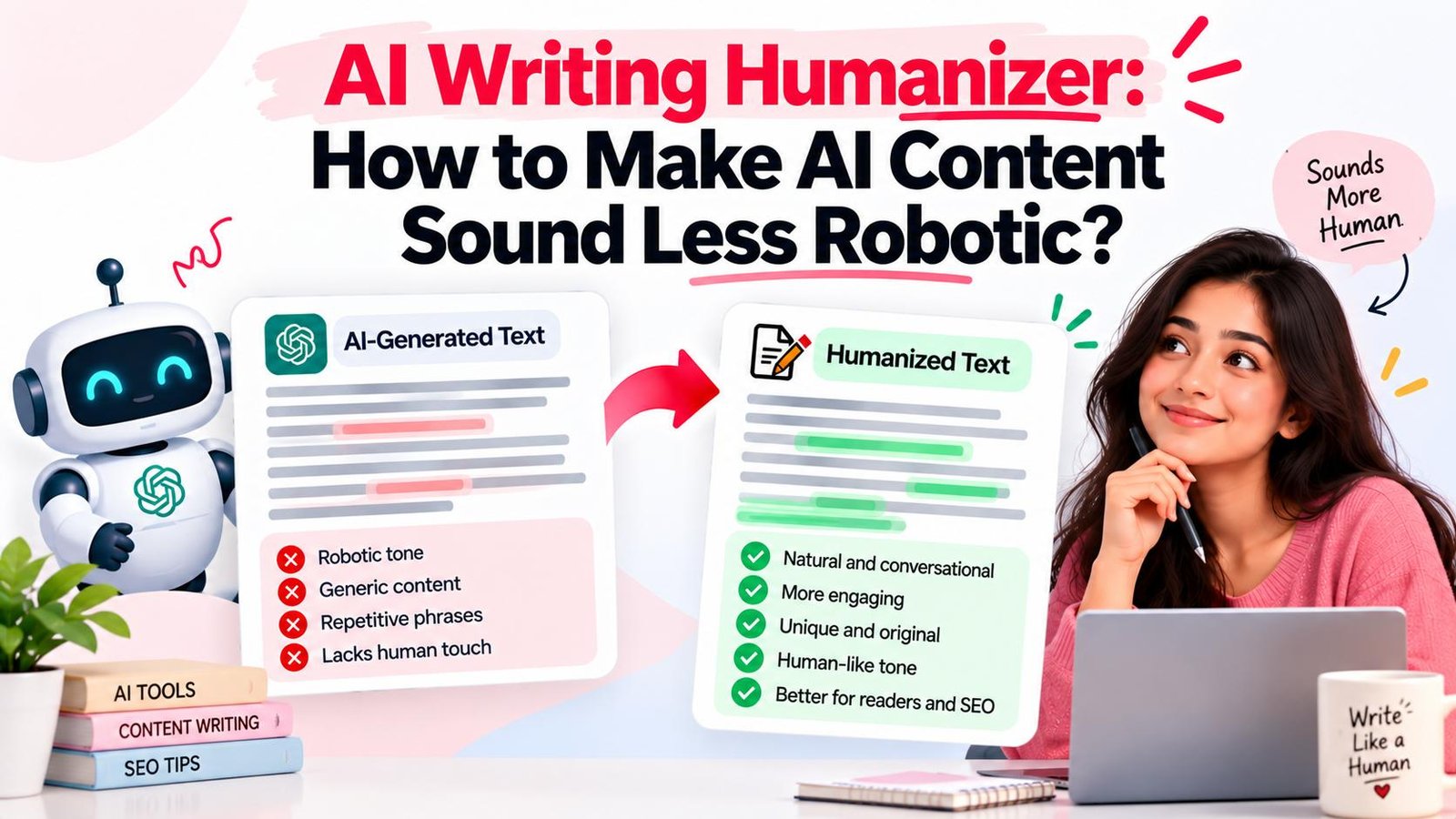
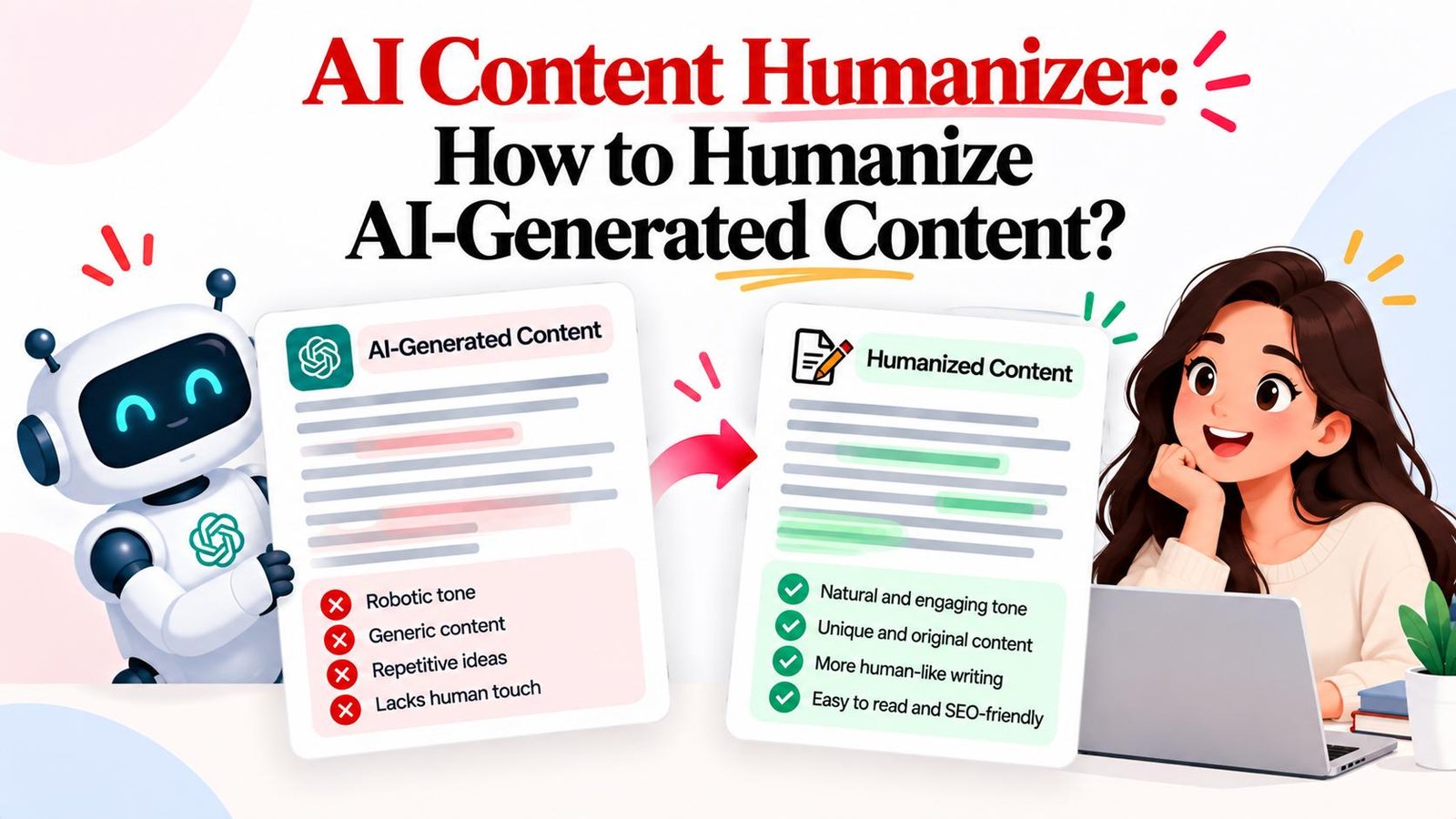
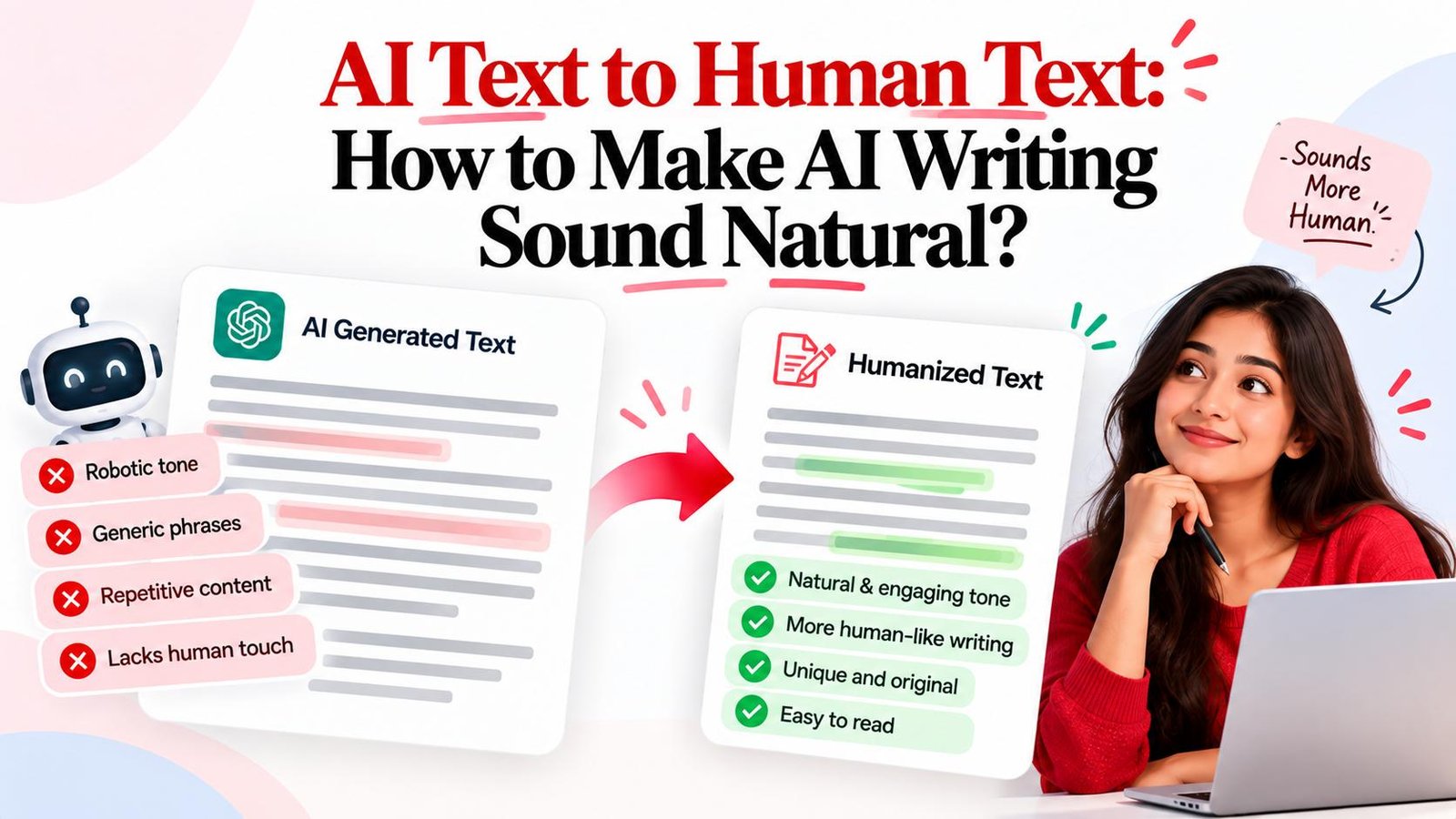
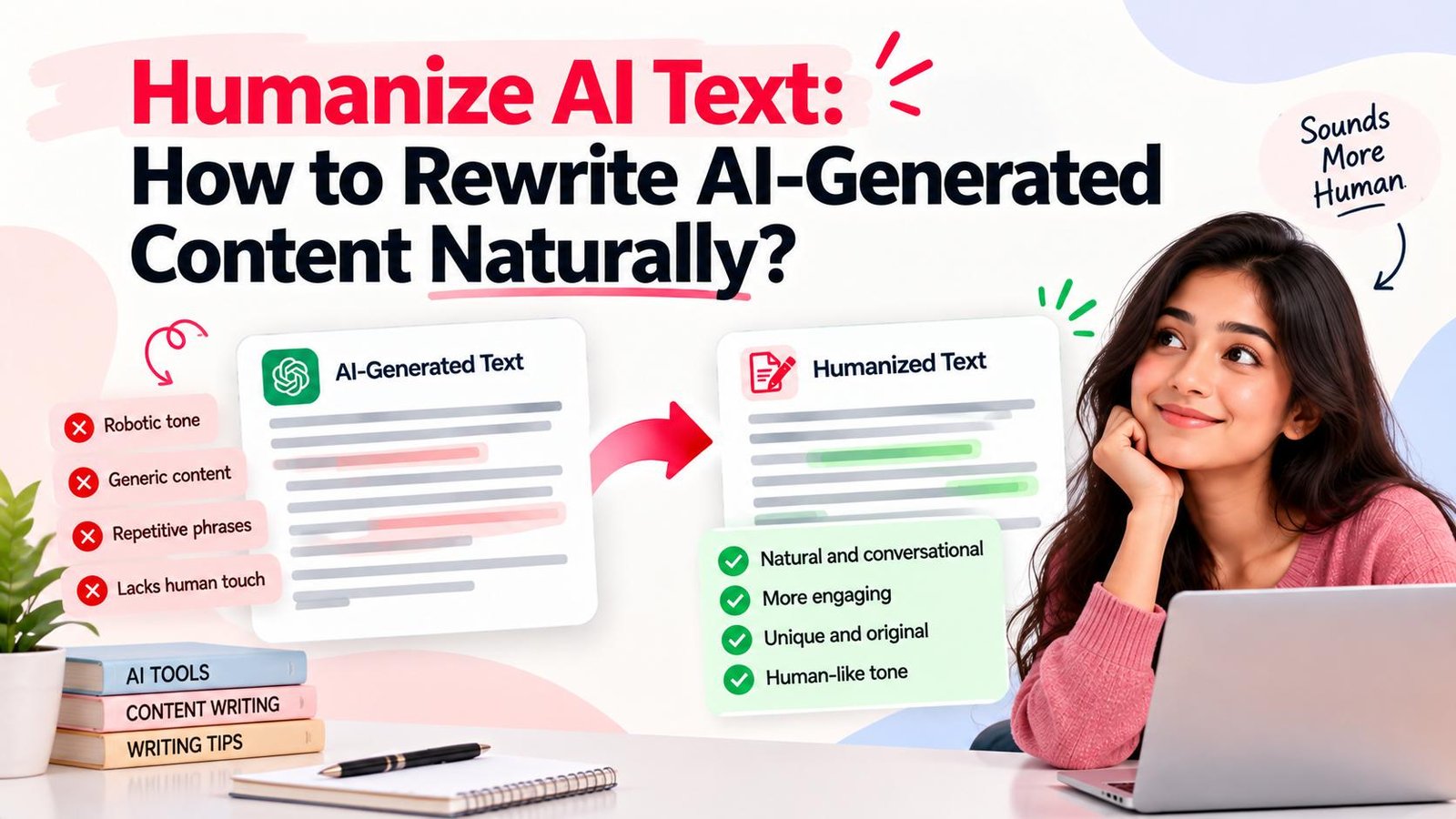
Humanize AI Text: How to Rewrite AI-Generated Content Naturally?
Learn how to humanize AI text effectively. Discover why machine drafts feel robotic, an 11-step manual rewriting process, online AI humanizer workflows, and best practices.
Want to humanize your AI drafts automatically?
Transform robotic writing into fluent human copy in seconds.
Artificial intelligence has revolutionized content drafting speed. With a single prompt, language models produce structured drafts in seconds. However, unedited machine drafts frequently exhibit noticeable stylistic flaws: repetitive phrasing, uniform sentence lengths, clinical vocabulary, and formulaic transitions.
Learning how to humanize AI text solves this challenge. Humanizing AI text is the deliberate process of revising machine-generated writing into clear, natural, and engaging prose while preserving core facts and original intent. Whether editing manually or using an AI humanizer like Magic Humanizer, converting robotic drafts into authentic writing creates a superior reader experience.
Quick Answer: How Do You Humanize AI Text?
To humanize AI text, refine raw machine writing through an 8-step process: (1) understand original meaning, (2) remove repetitive language, (3) simplify unnatural wording, (4) vary sentence structure, (5) improve transitions, (6) add relevant context, (7) adjust tone, and (8) review and fact-check rewritten text. You can complete this manually or accelerate restructuring with an AI humanizer online.
TL;DR
- Definition: Humanizing AI text transforms rigid machine syntax into natural prose.
- Why AI Sounds Stiff: Algorithms predict words statistically, producing uniform patterns.
- Manual Method: Follow an 11-step checklist to break predictable rhythms and cut fluff.
- Automated Solution: Use Magic Humanizer to instantly restructure paragraphs across Standard, Casual, and Academic modes.
- Review Process: Always check facts, numbers, and technical terms after humanizing drafts.
- Best Workflow: Combine automated sentence restructuring with human editorial review.
What Does It Mean to Humanize AI Text?
To humanize AI text means transforming mathematically generated drafts into natural human communication. Generative models predict probable words based on training data. While this produces grammatically correct sentences, it often results in writing that feels detached and stylistically flat.
Humanizing addresses these limitations by refining key writing elements:
- Word Choice: Replacing generic corporate buzzwords with conversational vocabulary.
- Sentence Rhythm: Balancing short statements with longer explanations for natural cadence.
- Tone & Voice: Infusing warmth and tailored emotion suitable for your audience.
- Flow & Readability: Connecting thoughts seamlessly without stiff transition markers.
- Contextual Specificity: Anchoring concepts with concrete examples, data, and takeaways.
Humanizing does not mean distorting verified facts, fabricating personal experiences, or faking authorship. The goal is clarity, authenticity, and reader trust.
Ready to refine your draft? Test the free Magic Humanizer tool to convert stiff machine sentences into smooth, human-grade writing in seconds.
Why Does AI-Generated Text Sometimes Need Humanizing?
Generative models are powerful drafting assistants, but unedited machine outputs often exhibit characteristic patterns:
- Repeated Words and Ideas: Rephrasing the same point across paragraphs without adding value.
- Generic Statements: Speaking in broad generalities rather than offering concrete insights.
- Predictable Structure: Following identical Subject-Verb-Object arrangements.
- Excessively Formal Vocabulary: Overusing words like "delve," "tapestry," "testament," "foster," and "beacon."
- Similar Sentence Lengths: Paragraphs with uniform sentence lengths lacking cadence.
- Repetitive Transitions: Heavy reliance on explicit starters like "Furthermore," "Moreover," and "In conclusion."
- Unnecessary Filler: Opening with formulaic phrases like "In today's fast-paced digital era..."
- Lack of Specific Context: Maintaining a detached stance that avoids clear perspective.
- Generic Conclusions: Summarizing mechanically rather than providing forward-looking takeaways.
Recognizing these tendencies helps you pinpoint which elements require revision.
How to Humanize AI Text Manually
Apply this proven 11-step manual editing process to transform machine drafts into polished prose:
Step 1: Read the Entire AI-Generated Draft
Read your draft completely to grasp the central thesis and spot logical gaps.
Step 2: Identify the Intended Audience
Tailor your tone—B2B guides demand direct precision, while lifestyle posts need casual warmth.
Step 3: Remove Repetition
Scan for circular explanations and consolidate overlapping sentences into single concise statements.
Step 4: Simplify Overly Formal Language
Replace pretentious terms with everyday words (e.g., swapping "utilize" for "use" and "facilitate" for "help").
Step 5: Vary Sentence Structure
Mix short punchy statements with longer compound explanations to create natural rhythmic burstiness.
Step 6: Improve Transitions
Delete repetitive transition words like "Moreover" and connect ideas naturally with active verbs.
Step 7: Replace Generic Statements
Ground abstract claims with concrete metrics (e.g., replacing "improves efficiency" with "saves 4 hours weekly").
Step 8: Adjust the Tone
Align the voice across the piece and eliminate passive constructions that weaken your message.
Step 9: Remove Filler
Cut empty intros like "It goes without saying that" to deliver value immediately.
Step 10: Read the Final Version Aloud
Reading aloud reveals awkward phrasing and unnatural rhythms that silent reading misses.
Step 11: Fact-Check the Content
Cross-check all dates, statistics, and citations against verified primary sources to prevent inaccuracies.
Before and After: Humanize AI Text Example
The following illustrative before-and-after examples demonstrate these editorial principles in action:
Example 1: B2B Software Product Update
"In today's fast-paced digital marketplace, effective project management serves as a crucial beacon for organizational success. Furthermore, our novel collaborative platform facilitates seamless team communication and fosters holistic synergy across enterprise departments."
"Managing complex projects across remote teams is tough. Our new dashboard brings tasks, deadlines, and discussions into one shared workspace—saving hours of status meetings every week."
Breakdown of Changes:
- Eliminated Clichés: Removed throat-clearing and buzzwords like "crucial beacon" and "holistic synergy."
- Simplified Phrasing: Replaced "facilitates seamless communication" with direct everyday language.
- Varied Rhythm: Replaced a run-on sentence with a short opener followed by a benefit-driven explanation.
Example 2: Educational Guide on Personal Productivity
"Time management is an essential facet that enables individuals to maximize daily productivity. Delving deeper into this concept, establishing structured routines serves as a testament to personal discipline. Moreover, one must proactively prioritize critical tasks to circumvent cognitive overload."
"Good time management isn't about filling every minute of your day. It's about protecting your energy for what truly matters. When you build a simple morning routine and tackle your hardest task first, your focus stays sharp."
Breakdown of Changes:
- Removed Jargon: Cut words like "delving deeper," "testament," and "circumvent cognitive overload."
- Refocused Tone: Shifted from a detached lecture to an empathetic coaching voice.
- Added Clarity: Replaced abstractions with practical guidance on morning routines and prioritization.
How an AI Humanizer Can Help Rewrite AI Text
While manual editing produces excellent results, refining long drafts by hand requires significant time. An AI text humanizer serves as an intelligent editing assistant designed to automate sentence restructuring.
A specialized AI content humanizer operates by:
- Analyzing Predictability: Evaluating rhythm and clause lengths to detect robotic uniformity.
- Restructuring Sentences: Breaking repetitive patterns and introducing organic burstiness.
- Rephrasing Vocabulary: Swapping overused AI tropes for clear, natural synonyms.
- Smoothing Flow: Removing clunky transitional adverbs and creating natural paragraph bridges.
- Preserving Accuracy: Retaining critical data points and arguments while transforming surrounding prose.
An AI humanizer is an editing aid, not a replacement for human review. It accelerates drafting so you can focus on quality checks and storytelling.
Manual Editing vs AI Humanizer
Choosing between manual rewriting and an automated converter depends on your timeline and volume:
| Factor | Manual Editing | AI Humanizer |
|---|---|---|
| Speed | Slow (15–30 mins per 500 words) | Instant (5–10 seconds per scan) |
| Effort | High line-by-line focus | Very low (one-click conversion) |
| Control | Complete granular control | Mode-based (Standard, Casual, Academic) |
| Consistency | Varies with editor fatigue | High structural consistency |
| Best for | High-stakes legal briefs, memoirs | Rapid drafts, blog posts, marketing copy |
Combining both methods yields the best results: use an AI to human converter to restructure syntax, then spend a few minutes reviewing the output to inject personal insights and verify facts.
How to Humanize AI Text Online
Follow this practical 9-step workflow to humanize your writing using an online tool:
- Prepare text: Gather your draft into a clean workspace.
- Open tool: Navigate to a dedicated tool like Magic Humanizer.
- Add text: Paste the draft into the editor within word limits.
- Start humanization: Select your preferred mode and click convert.
- Review output: Read through the generated text in the comparison view.
- Compare versions: Verify that key arguments and technical points were preserved.
- Correct nuances: Adjust any phrases where subtle meaning shifted.
- Fact-check details: Confirm that dates, statistics, and proper nouns remain accurate.
- Final polish: Apply your personal polish, copy the content, and publish.
Magic Humanizer: Humanize AI Text Online
Magic Humanizer is a modern, browser-based platform built to convert robotic AI writing into engaging, natural text without requiring software installation.
The platform supports three tailored humanization strengths:
- Standard Mode: Ideal for general articles, business emails, and blog posts, balancing clarity with fluid readability.
- Casual Mode: Tailored for social media posts, lifestyle content, and conversational storytelling.
- Academic Mode: Designed for research summaries and technical reports where formal rigor must be maintained without sounding robotic.
Magic Humanizer provides flexible access for creators of all levels:
- Guest Free Access: Enjoy 3 free scans with up to 500 words per scan without creating an account.
- Registered Free Account: Sign up for free to unlock 5 scans with up to 1,000 words per scan.
- Affordable Subscription Plans: Billed in Indian Rupees (INR ₹):
- Basic Plan: ₹249/month for 15,000 words.
- Pro Plan: ₹499/month for 50,000 words.
- Unlimited Plan: ₹999/month for unlimited words and priority processing.
Have an AI-generated draft ready? Try Magic Humanizer to rewrite it and review the result before using the final version. Explore our transparent pricing plans for high-volume publishing.
How to Use Magic Humanizer to Humanize AI Text
Transforming your drafts with Magic Humanizer takes less than a minute:
- Open Magic Humanizer: Navigate to the Magic Humanizer editor on the homepage.
- Enter or paste your text: Paste your AI draft into the left input window.
- Start humanization: Select your mode (Standard, Casual, or Academic) and click "Humanize."
- Review the result: Read through the rewritten output in the right panel.
- Compare with original: Check that your key arguments and facts are intact.
- Make final changes: Polish specific sentences or copy the humanized text with one click.
- Use the reviewed version: Paste the finalized text into your CMS or word processor.
Free AI Humanizers: What Should You Look For?
When evaluating free online humanizers, consider these practical criteria:
- Free Limits & Daily Usage: Transparent scan allowances without hidden paywalls.
- Output Quality: Authentic structural rewriting rather than crude synonym swaps.
- Data Privacy: Guarantees that private drafts are never stored or publicly indexed.
- Available Modes: Multiple tone presets (Casual, Standard, Academic).
- Registration Policy: Guest testing before requiring an account.
- Paid Upgrade Clarity: Clear and cost-effective subscription pricing.
Who Should Humanize AI Text?
Refining AI-generated copy is an essential practice across multiple disciplines:
- Bloggers & Content Writers: Turn stiff AI outlines into captivating, voice-driven stories.
- SEO Professionals: Improve reader dwell time and engagement by making articles enjoyable to read.
- Copywriters & Digital Marketers: Polish landing pages and email campaigns for clear persuasion.
- Website Owners & Businesses: Draft professional announcements and client emails without sounding robotic.
- Social Media Teams: Produce snappy updates that avoid looking like bot-generated spam.
- Students & Researchers: Polish study notes and research outlines for appropriate editing uses.
What Types of AI Text Can You Humanize?
You can apply humanization techniques across virtually any written format:
- Blog Posts & Articles: Restructure comprehensive guides to maintain lively pacing.
- Website Content & Landing Pages: Clarify value propositions and hero headlines.
- Marketing Copy & Ad Text: Transform generic sales bullet points into punchy copy.
- Product Descriptions: Replace bland feature lists with benefit-driven stories.
- Emails & Newsletters: Eliminate robotic openings to increase replies and engagement.
- Social Media Drafts: Convert promotional blurbs into authentic conversational posts.
- General AI Writing: Polish outlines, memos, and summaries across any subject.
How to Preserve Meaning When Humanizing AI Text
When rewriting AI text, avoiding accidental semantic drift is essential. To safeguard your message:
- Compare Side-by-Side: Review the revised version against the original draft paragraph by paragraph.
- Protect Technical Terminology: Ensure industry-specific terms and acronyms remain accurate.
- Verify Numbers, Names, and Dates: Check that numerical figures and facts were not altered.
- Exercise Care with High-Stakes Content: For technical, legal, and financial content, maintain rigorous human review before publishing.
Humanize AI Text vs Rewrite AI Text
While "humanizing" and "rewriting" are often used interchangeably, they represent distinct editorial objectives:
- Goal: Rewriting expresses an idea in different words; humanizing makes text sound natural and conversational.
- Degree of Change: Rewriting often focuses on word substitution; humanizing restructures clauses, rhythm, and flow.
- Tone: Rewriting can leave robotic tone intact; humanizing eliminates synthetic stiffness.
- Sentence Structure: Rewriting may preserve monotonous lengths; humanizing balances short and long sentences.
- Context: Basic paraphrasing often loses coherence; modern AI content humanizers preserve overarching narrative flow.
- Typical Use Case: Rewriting is used for basic rephrasing; humanizing prepares AI drafts for public publication.
Humanize AI Text and AI Detectors
Understanding how AI detection tools work provides realistic perspective:
- Statistical Analysis: AI detectors evaluate text using metrics like perplexity and burstiness. When text follows uniform patterns, detectors flag it as machine-generated.
- Inconsistent Scores: Detectors frequently disagree with one another. A draft scoring 90% human on one scanner may register as 60% machine on another.
- Not Definitive Proof: Detector output should not be treated as definitive proof of authorship, as false positives occur regularly.
Because detectors are statistical estimators rather than absolute arbiters, focus on creating clear, useful, and natural content that genuinely serves your audience.
Best Practices for Humanizing AI-Generated Content
Keep this 10-point checklist handy whenever you refine machine drafts:
- Start with original meaning: Ensure the central thesis remains clear throughout.
- Remove repetition: Cut redundant phrasing and circular explanations.
- Use natural wording: Replace stiff vocabulary with conversational terms.
- Vary sentence structure: Mix short statements with longer descriptive sentences.
- Add useful context: Include real-world examples, metrics, and case studies.
- Match intended audience: Tailor vocabulary to your specific reader.
- Keep tone consistent: Avoid jarring shifts between formal and casual registers.
- Remove filler: Delete throat-clearing intros and hollow transitions.
- Fact-check: Verify all dates, numbers, citations, and claims against primary sources.
- Review manually: Read the draft aloud before publishing.
Put these best practices to work: Test your next article draft in the Magic Humanizer workspace to streamline your editorial workflow.
Frequently Asked Questions
What does it mean to humanize AI text?
Humanizing AI text means revising machine writing to improve sentence variety, vocabulary, and tone so it reads as natural human prose while preserving its original meaning.
How can I humanize AI-generated text?
You can humanize AI text manually by removing clichés, varying sentence lengths, and simplifying jargon, or use a dedicated AI writing humanizer before your final editorial review.
How do I make AI text sound more natural?
Eliminate buzzwords, replace rigid transition adverbs with organic connectors, balance short and long sentences, and read the draft aloud to catch awkward phrasing.
Is there a free AI humanizer?
Yes. Magic Humanizer provides free access with 3 scans of up to 500 words for guests and 5 scans of up to 1,000 words for registered free accounts.
What is the difference between humanizing and rewriting AI text?
Rewriting swaps words with synonyms, while humanizing holistically restructures sentence cadence, tone, and readability to create an authentic human voice.
Can an AI humanizer preserve the original meaning?
Yes, high-quality humanizers retain core arguments and factual data while revising syntax, though authors should always review domain-specific terms.
Can I humanize long AI-generated content?
Yes. You can process long articles, papers, and guides in logical sections using Magic Humanizer to ensure consistent tone across the entire document.
Does humanizing AI text guarantee that AI detectors will not detect it?
No tool can guarantee 100% bypass across all detectors because detection software relies on shifting statistical models. Focus on reader engagement and clarity.
What is the best way to review humanized AI text?
The best review method is a side-by-side comparison against the original draft, followed by reading aloud and verifying all factual claims and numbers.
How do I use Magic Humanizer?
Open Magic Humanizer, paste your draft into the input box, select your mode (Standard, Casual, or Academic), click "Humanize," and review the output.
Final Thoughts
Artificial intelligence has transformed drafting speed, but human creativity and editorial judgment remain indispensable. Machine drafts provide an excellent foundation, yet true reader connection requires natural cadence, relatable tone, and clear communication.
By following a structured workflow—understanding the meaning, removing repetition, improving wording, varying sentence structure, adjusting tone, leveraging an AI text humanizer when helpful, reviewing, fact-checking, and publishing—you can produce compelling content at scale without sacrificing quality.
Ready to transform your AI drafts into polished, human-grade writing? Try Magic Humanizer today and experience the difference natural writing makes.